Comparison
Cricut Joy vs Explore vs Maker
Published
Short answer
Pick the Joy for small, quick projects like labels, cards and small decals on a tight desk. Pick the Explore for 12 inch vinyl, iron-on, cardstock and sticker projects. Pick the Maker only if you need unbacked fabric, felt, wood, chipboard or leather, because its rotary and knife blades do not fit the other two. Each step up adds cut size or materials, not ease of use.
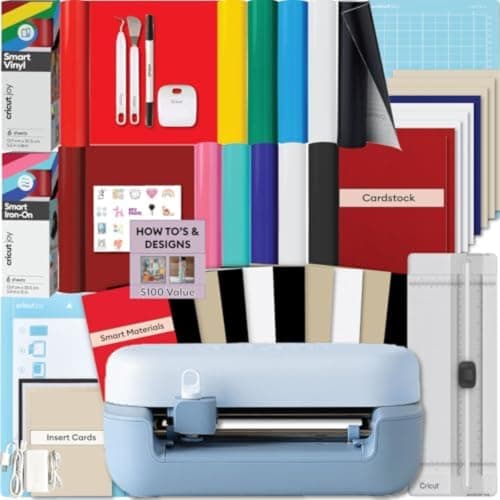
Cricut
Cricut Joy 2: compact cutter that scores and writes
See price on Amazon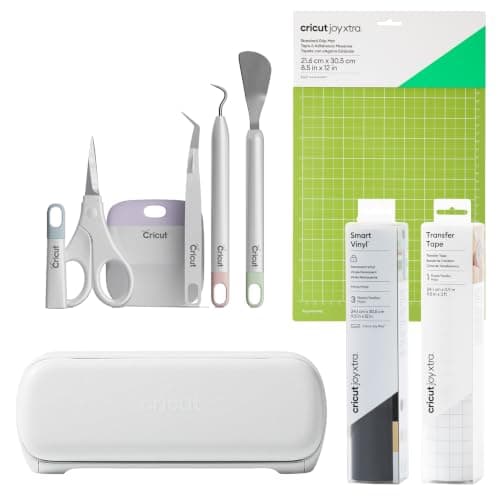
Cricut
Cricut Joy Xtra: compact cutter with Print Then Cut
See price on Amazon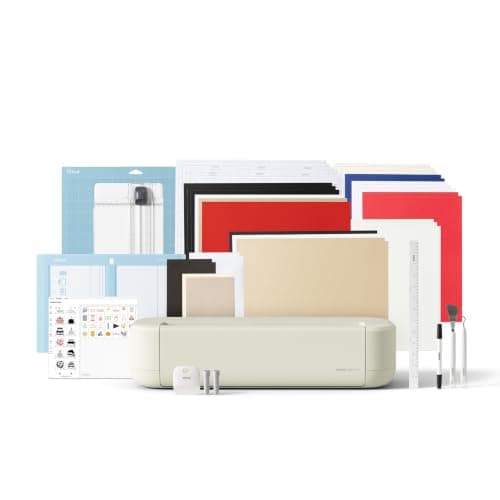
Cricut
Cricut Explore 5: scores and writes, 12 in width
See price on Amazon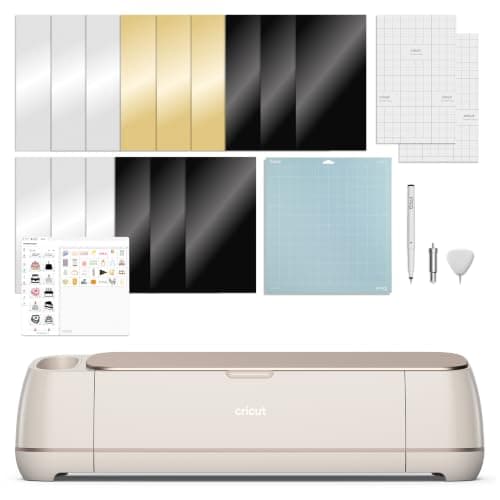
Cricut
Cricut Maker 4: leather and wood, engraves and debosses
See price on Amazon
- Cricut Joy 2: compact cutter that scores and writes
- Max cut width
- Not stated
- Cricut Joy Xtra: compact cutter with Print Then Cut
- Max cut width
- Not stated
- Cricut Explore 5: scores and writes, 12 in width
- Max cut width
- 12 in (30.5 cm)
- Cricut Maker 4: leather and wood, engraves and debosses
- Max cut width
- Not stated
| Pick | Max cut width | Price | Link |
|---|---|---|---|
| Cricut Joy 2: compact cutter that scores and writes | Not stated | - | Amazon |
| Cricut Joy Xtra: compact cutter with Print Then Cut | Not stated | - | Amazon |
| Cricut Explore 5: scores and writes, 12 in width | 12 in (30.5 cm) | - | Amazon |
| Cricut Maker 4: leather and wood, engraves and debosses | Not stated | - | Amazon |
Facts are taken from each Amazon listing. Prices are checked daily and shown with their date.
Verdict
Most buyers should get the Explore 5: it is 12 inches wide, cuts the everyday materials and lists at the same price as a Joy Xtra kit. Choose a Joy only if desk space and small projects matter most, and choose a Maker only for fabric, felt, wood, chipboard or leather.
Cricut sells three machine families and each has more than one current model, which makes the lineup confusing. This page is for buyers who know they want a Cricut but are not sure which tier. We put the Joy, Explore and Maker families side by side by cutting width, materials, blades and listing price, explain which projects push you up a tier, and end with a clear recommendation. For deeper two-way comparisons, see Cricut Maker vs Explore and Cricut Joy vs Joy Xtra.
The three families in one table
Facts below come from the Amazon listings for current bundles. Material counts are Cricut's own claims. The Joy family is narrower than the 12 inch Explore and Maker; check the listing or Cricut's site for the exact cut width of the Joy model you choose, since it differs between Joy versions.
| Model (listing) | Family | Materials claimed | Print Then Cut | Listed price |
|---|---|---|---|---|
| Cricut Joy 2 Essential Bundle | Joy | 75+ materials | Yes | $169.99 |
| Cricut Joy Xtra Vinyl Starter Kit | Joy | 50+ materials | Yes | $199.00 |
| Cricut Explore 5 Essential Bundle | Explore, 12 in | 100+ materials | Yes | $199.00 |
| Cricut Maker 4 Digital Content Bundle | Maker | 300+ materials incl. leather and wood | Yes | $329.00 |
Note.Bundles include different materials and tools. Compare what is in the box, not just the machine name.
Cricut Joy: small and quick
The Joy family is built for small everyday projects: pantry labels, cards, small decals and, on the Joy Xtra and Joy 2, full-color stickers with Print Then Cut. The listings say Joy Xtra works with 50+ materials and Joy 2 with 75+, including vinyl, iron-on and cardstock, and both draw and foil.
The main limit is the blade. The site's cut settings data notes the Joy and Joy Xtra take only the fine point blade, so thick items like glitter cardstock, magnet sheet, felt and wood are not supported. Designs are also limited by the narrower cut width, so a large shirt design or wide banner will not fit in one piece. If those limits do not bother you, the Joy is the easiest to keep on a desk and set up. Problems specific to it are covered in Cricut Joy not working.
Cricut Explore: the 12 inch all-rounder
The Explore 5 listing describes a 12 in cutting machine that cuts 100+ materials and writes, draws, foils and scores, with six compatible tools. It takes the fine point blade for everyday work, the deep point blade for thicker cardstock and magnet sheet, and the bonded fabric blade for fabric with a backing.
For most people making shirts, tumbler decals, signs, cards and sticker sheets, this is the tier to buy. It handles full-width designs and, at current listing prices, its Essential Bundle costs the same as a Joy Xtra kit. See how to set up a Cricut Explore for the first-day steps.
Cricut Maker: fabric, wood and leather
The Maker 4 listing claims 300+ materials, including leather and wood, and says it cuts, draws, foils, scores, engraves, debosses and perforates. Those extra jobs depend on the Maker's adaptive tool system, which drives the rotary blade for unbacked fabric and the knife blade for thick, rigid materials.
From the site's cut settings data: unbacked fabric and felt use the rotary blade on a pink fabric grip mat, and basswood up to 2.4 mm, chipboard up to 2 mm and tooling leather up to about 2.4 mm use the knife blade with a strong grip mat taped down and multiple passes. None of that is possible on a Joy or Explore. Read how to cut wood with Cricut if thick materials are your reason to buy.
Match your projects to a tier
Not sure what size your designs will be? Our cutting machine cut size chart and shirt decal size chart help you check whether a Joy's narrower width is enough for your typical project.
| Project | Joy | Explore | Maker |
|---|---|---|---|
| Labels and small decals | Good fit | Yes | Yes |
| Cards | Yes, small cards | Yes | Yes |
| Full-color stickers | Yes on Joy Xtra and Joy 2 | Yes | Yes |
| Adult T-shirt designs in iron-on | Small designs only | Yes | Yes |
| Glitter or heavy cardstock | No, fine point only | Yes, deep point | Yes, deep point |
| Unbacked fabric, felt | No | Backed fabric only | Yes, rotary blade |
| Basswood, chipboard, leather | No | No | Yes, knife blade |
Budget and add-ons
The machine is only part of the cost. Plan for mats, replacement blades, transfer tape and, if you make shirts, a heat press. Our do you need a heat press for Cricut page explains when an iron is enough. The free Design Space app runs all three families, and a Cricut Access subscription is optional.
If two tiers cost about the same, as the Joy Xtra kit and Explore 5 bundle do in current listings, the bigger machine usually gives more room to grow. Pick the Joy for its size and simplicity, not to save money. The best Cricut machine guide tracks the current models and bundles.
Frequently asked questions
Can a Cricut Joy make T-shirts? Yes, for small designs like pocket logos, kids' sizes and onesies. Full-front adult designs usually need the width of an Explore or Maker.
Is the Explore enough for a beginner? Yes. It covers vinyl, iron-on, cardstock and stickers, which is what most beginners make.
Do all three use the same software? Yes. Joy, Explore and Maker all run in Cricut Design Space.
Do I need a Maker to cut felt? For unbacked felt, yes, with the rotary blade. Stiffened felt can be cut on an Explore with the deep point blade.
What you need for this
- See price on AmazonAmazon
Cricut Explore 5: scores and writes, 12 in width
From Best Cricut machines, from Joy 2 and Joy Xtra to Maker 5
 See price on AmazonAmazon
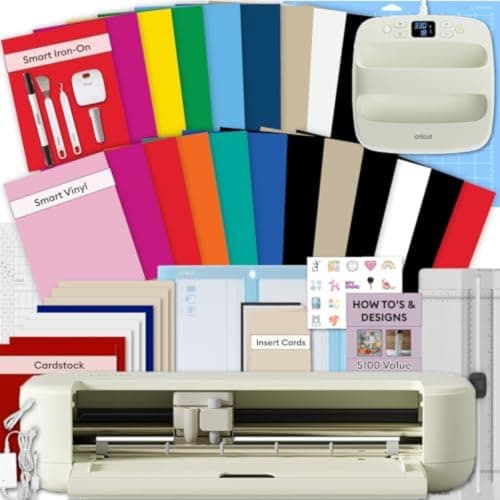
Explore 5 Essential Bundle + EasyPress 9x9
From Best Cricut bundles worth buying, with and without a heat press