Explainer
Cutting machine maximum cut size chart
Published
Short answer
As listed by the makers in October 2026, the Cricut Joy 2 takes material 4.5 inches wide, the Joy Xtra 8.5 inches, the Explore 5 11.7 inches and the Maker 5 12 inches, with Smart Materials up to 4 feet long on the Joy models and 12 feet on Explore, Maker and Venture. The Silhouette Cameo 5 cuts 12 inches wide (15 on the Cameo 5 Plus) and up to 16 feet without a mat.
Gear for this job
All 7 picks compared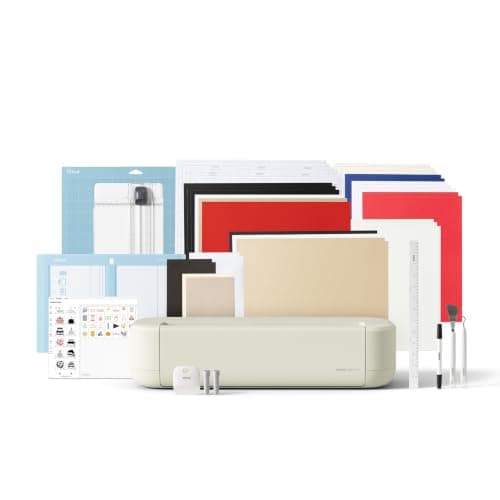
Cricut Explore 5: 12 in cutting for vinyl and cards
See price on AmazonSee it on Amazon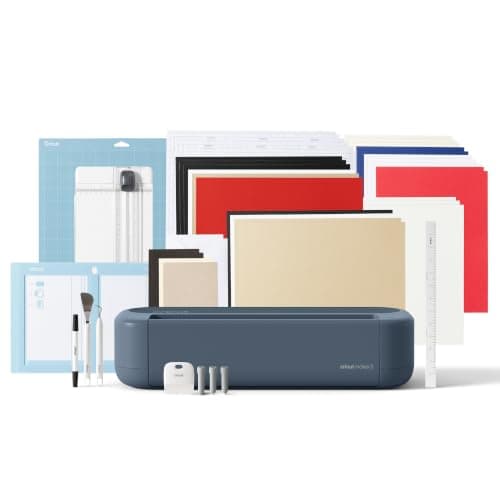
Cricut Maker 5: 3 mm materials and 13 tools
See price on AmazonSee it on Amazon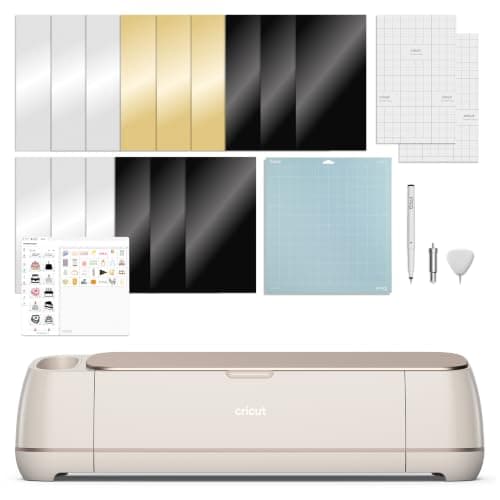
Cricut Maker 4: 300+ materials including leather and wood
See price on AmazonSee it on Amazon
The size question comes up in two ways: how big a design can this machine cut, and how much room does it need on the table. Both matter before you buy. A Joy is fine for labels and small decals but cannot cut a 10 inch shirt design in one piece. This chart collects the published material widths, matless lengths and machine footprints for current Cricut, Silhouette and Brother ScanNCut machines, taken from the makers' own spec pages in October 2026, and explains the difference between material width and actual cut area.
Cricut maximum cut size chart
Material width is the widest sheet or roll the machine accepts. The design itself must be a little narrower. On a 12 x 12 inch mat, Design Space gives a cut area of about 11.5 inches square, and a 12 x 24 inch mat roughly doubles the length. Cricut's help pages say compatible Explore and Maker machines cut Smart Materials up to 11.7 inches wide and 12 feet long, which also covers earlier models such as the Explore 3 and Maker 3.
The Joy Xtra listing gives a cut area of 8.5 inches by 4 feet with Smart Materials, and its mats are 8.5 inches wide. On the Joy models, long cuts are used for labels and repeated designs. For which mat fits which machine, see which Cricut mat to use.
| Machine | Max material width | Max length with Smart Materials | Size (L x W x H) and weight |
|---|---|---|---|
| Cricut Joy 2 | 4.5 in | 4 ft | 9.11 x 5.43 x 2.74 in, 2.7 lb |
| Cricut Joy Xtra | 8.5 in | 4 ft | 12.5 x 6 x 5.5 in, 6 lb |
| Cricut Explore 5 | 11.7 in | 12 ft | 19.8 x 7.5 x 4.7 in, 10 lb |
| Cricut Maker 5 | 12 in | 12 ft | 19.8 x 7.5 x 4.7 in, 10 lb |
| Cricut Venture | 24 in | 12 ft | Cricut lists 8.8 x 34.8 x 10.4 in, 34.7 lb |
Silhouette maximum cut size chart
Silhouette's support page for the Cameo 5 lists a 12 inch cut width (15 on the Plus), cuts up to 16 feet in length and 3 mm of height clearance for thicker materials. Matless cutting works only with lined materials such as vinyl and iron-on on their backing. Card and paper still need a mat. Our Silhouette Cameo guide compares the models, and Silhouette Cameo vs Portrait covers the size trade-off.
| Machine | Max cut width | Max length | Notes |
|---|---|---|---|
| Portrait 4 | 8.5 in | 12 in on the mat | Matless capable |
| Cameo 5 | 12 in | 24 in on a 12 x 24 mat, up to 16 ft matless | Takes material 4.25 to 12 in wide |
| Cameo 5 Plus | 15 in | Up to 16 ft matless | 15 in class |
| Cameo Pro MK-II | 23.2 in | 24 in on the mat | 24 in class |
| Curio 2 | 12 in | 12 in | Flatbed, no roll feed |
Brother ScanNCut and vinyl plotters
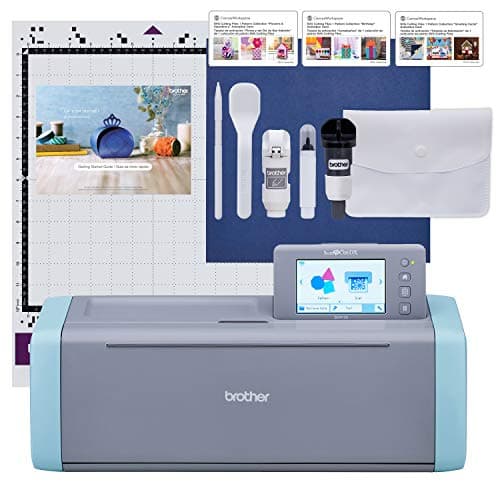
Brother lists the ScanNCut SDX125 with a 12 x 12 inch standard work area and an optional 12 x 24 inch mat. ScanNCut machines cut from a mat rather than from a roll, so they are not built for long banners. See the Brother ScanNCut guide for the current models.
Roll-fed vinyl plotters are sized by the widest roll they take. Note that the cut width is narrower than the feed width. For example, one Vevor 34 inch listing gives a maximum paper feed of 870 mm (34.3 in) and a maximum cutting width of 780 mm (30.7 in). Length is limited mostly by how well the material tracks over a long feed. For more, see craft cutter vs vinyl plotter.
Print then cut size limits are smaller
Print then cut jobs have a smaller limit than plain cuts, because the printer needs margins and the machine needs room around the registration marks. The limit depends on the machine, the software version and the paper size. Design Space and Silhouette Studio both show the usable print area when you set up the job. See print then cut size limits for the current numbers by machine.
How to choose by size
Typical shirt decal sizes are in our shirt decal size chart. For help choosing between the models above, start with best cutting machines for beginners.
- Labels, small decals and cards: a Joy-sized machine is enough.
- Adult shirt designs, tumbler wraps and 12 inch signs: choose a 12 inch class machine such as the Explore, Maker or Cameo 5.
- Long banners and wall decals: pick a machine that cuts matless from a roll, and check the maximum length.
- Wider signs, window lettering and bulk shirt runs: a 15 or 24 inch machine, or a roll-fed plotter.
- Check your table space too: a 12 inch machine needs room in front and behind for the mat to move.
Frequently asked questions
What size can a Cricut Joy cut? Cricut lists the Joy 2 for material 4.5 inches wide and Smart Materials up to 4 feet long. The Joy Xtra takes material 8.5 inches wide, also up to 4 feet with Smart Materials.
How wide is a Cricut Maker? Cricut lists the Maker 5 at 19.8 x 7.5 x 4.7 inches and 10 lb, taking material up to 12 inches wide. Plan extra space in front and behind for the mat to travel.
Can a Cricut cut longer than 12 x 24 inches? Yes, with Smart Materials, which cut without a mat. Explore and Maker models cut them up to 12 feet long.
Is the Cameo 5 bigger than a Cricut Maker? The standard Cameo 5 has a similar 12 inch cut width. The Cameo 5 Plus cuts 15 inches wide, and both list matless cuts up to 16 feet.
What you need for this
- See price on AmazonAmazon
Cricut Explore 5: scores and writes, 12 in width
From Best Cricut machines, from Joy 2 and Joy Xtra to Maker 5
 See price on AmazonAmazon
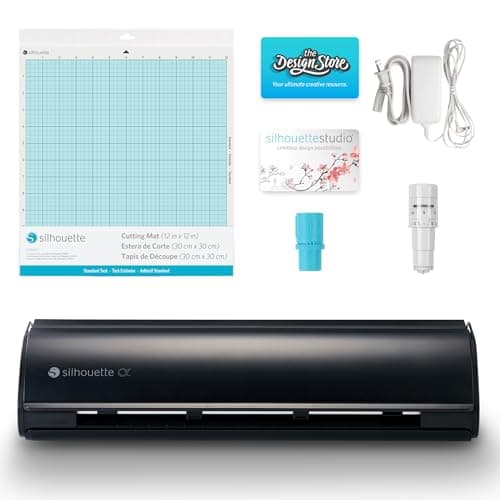
Silhouette Cameo 5 Alpha: materials up to 3 mm
 See price on AmazonAmazon
Brother ScanNCut SDX125E: built-in scanner, 3 mm cutting