Explainer
Do you need a heat press for Cricut projects?
Published
Short answer
Not for a first project. Standard iron-on can be applied with a household iron if you follow the maker's iron instructions, press firmly on a hard surface and cover the design. A heat press becomes worth it when designs are larger than the iron's plate, when you press glitter or specialty vinyl, when you use Infusible Ink, or when you make shirts often and want results that last through many washes.
Gear for this job
All 7 picks compared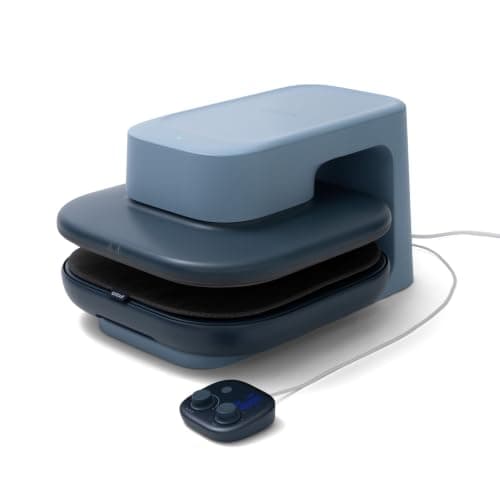
Cricut AutoPress 2: 15x15, 220 lb auto pressure
See price on AmazonSee it on Amazon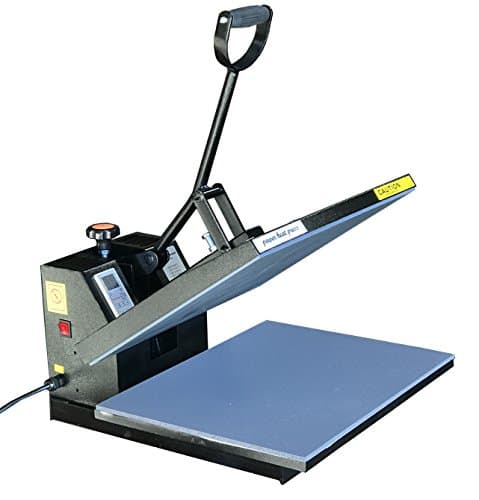
Fancierstudio 16x20 clamshell: larger plate, 1800W
See price on AmazonSee it on Amazon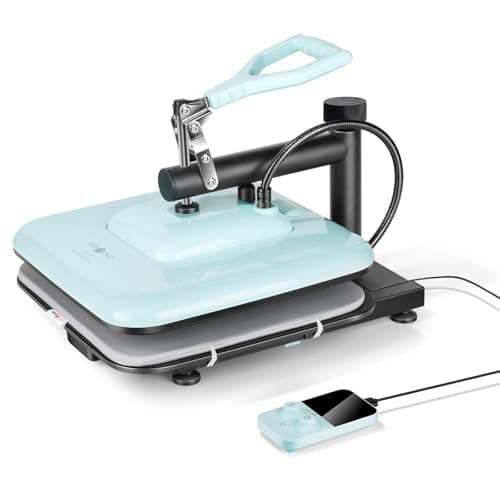
HTVRONT 15x15 swing-away press: 104 to 410°F
See price on AmazonSee it on Amazon
A Cricut cuts the iron-on, but something has to bond it to the shirt. Many beginner bundles include a small EasyPress, while others leave you with a household iron. This page is for new Cricut owners deciding whether to buy a press now or later. It explains what a press does that an iron does not, when an iron is fine, the projects where it struggles, and which type and size of press makes sense for a first purchase. Adhesive vinyl for mugs, decals and signs needs no heat at all.
What a heat press does better than an iron
Iron-on needs three things at once: the right temperature, the right time and enough even pressure. A household iron can reach the heat, but its temperature dial is vague, the soleplate has steam holes and a hot center with cooler edges, and it is hard to hold it still with even pressure for the full time. A heat press has a flat plate that heats evenly, a digital temperature and a timer.
Cricut's EasyPress models are handheld presses with a flat, evenly heated plate. Clamshell, swing-away and auto-open presses go further: they clamp down with set pressure, so every shirt gets the same press. Our EasyPress vs clamshell comparison explains the differences in detail.
When a household iron is enough
Use the iron setting the iron-on maker gives, turn the steam off and empty the water, and press on a hard, heat-safe surface rather than an ironing board, which is too soft. Cover the design with a pressing cloth or the protective sheet, press down hard without sliding, and move section by section with overlap. Then follow the peel instruction for that product. For the full process, see how to apply iron-on vinyl.
- Small designs that fit under the soleplate, such as pocket logos or onesie designs
- Standard iron-on on cotton, when the product gives iron instructions
- A few shirts or bags a year for yourself or as gifts
- Trying iron-on before deciding whether you enjoy it
When an iron struggles
Infusible Ink is the clearest case. Cricut's instructions say to press it once without moving the press, at a temperature an iron cannot hold reliably. See what is Infusible Ink. Glitter iron-on is thicker and needs more heat and firm pressure; Siser lists its Glitter at 320 F for 15 to 20 seconds on a heat press. The heat press temperature guide lists the published settings.
| Project | Household iron | Heat press |
|---|---|---|
| Small standard iron-on design | Usually fine | Easier and more consistent |
| Full adult shirt design | Hard: uneven heat across sections | Recommended |
| Glitter or thick specialty iron-on | Often lifts | Recommended |
| Infusible Ink on shirts | Not suitable: needs one press without moving | Required |
| Shirts you sell | Inconsistent results | Recommended |
| Adhesive vinyl decals and mugs | Not needed | Not needed |
Which press to start with
Handheld press (EasyPress style): easy to store, works on odd shapes such as bags and pillows, and covers most home projects. Choose a plate size close to your usual design: a 9 x 9 inch plate covers most adult shirt fronts in one or two presses.
Clamshell or swing-away press, around 15 x 15 inches: consistent pressure, faster for batches, and better for a small business. It needs a dedicated table and more space. Swing-away models move the hot plate away from your hands while you place the shirt.
Auto-open press: opens itself when the timer ends, which prevents over-pressing if you are distracted. See best auto-open heat presses.
Buying a bundle versus buying separately
Several Cricut bundles pair a cutter with a press. The Cricut Maker 4 T-Shirt Making Bundle and the Joy Xtra T-Shirt Making Bundle, for example, include an EasyPress model in the box. That is convenient if you know you want shirts. If you are not sure, buy the cutter first, try a few projects with an iron, and buy the press that fits what you end up making. Our Cricut bundle guide lists which bundles include a press.
If shirts are your main goal, also read best cutting machines for T-shirts and EasyPress vs clamshell heat press.
Note.Every press gets hot enough to burn. Use the safety base, keep it away from children and pets, and unplug it after use.
Frequently asked questions
Can I use a regular iron with Cricut iron-on? Yes, for standard iron-on and small designs, if you follow the iron instructions for that product, turn off steam and press firmly on a hard surface.
Do I need a heat press for Cricut vinyl decals? No. Adhesive vinyl for decals, mugs, signs and cups sticks with pressure from a scraper and needs no heat.
Is a Cricut EasyPress a heat press? Yes, it is a handheld heat press with a flat plate, a temperature setting and a timer. It is more consistent than an iron and easier to store than a clamshell press.
What size heat press should a beginner buy? For shirts, a handheld press around 9 x 9 inches or a 15 x 15 inch clamshell covers most designs. Smaller presses suit kids' clothes and small accessories.
What you need for this
- See price on AmazonAmazon
Cricut AutoPress 2 15x15: 220 lbs, 410°F, Bluetooth
 See price on AmazonAmazon
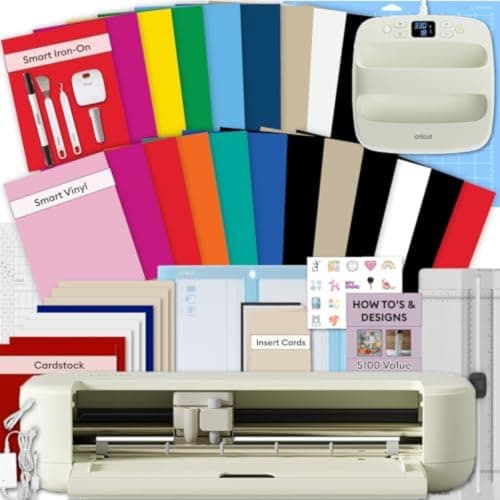
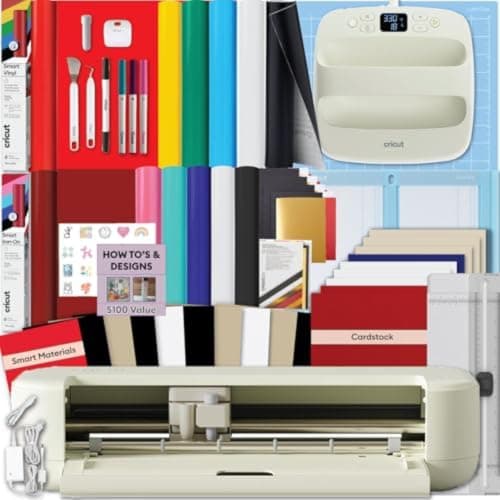
Explore 5 Essential Bundle + EasyPress 9x9
From Best Cricut bundles worth buying, with and without a heat press
 See price on AmazonAmazon
Cricut Explore 5 + EasyPress 9x9: 12 in cutter and press
From Best cutting machines for making T-shirts with iron-on and HTV