Comparison
Silhouette Cameo vs Cricut Maker and Explore
Published
Short answer
Pick a Silhouette Cameo if you want desktop software you own outright, matless cutting from ordinary vinyl rolls and a wider cut option. Pick a Cricut if you want the simplest app on phone and desktop, and a Maker if you need the rotary blade for fabric or the knife blade for wood and leather. For vinyl, iron-on and stickers, both brands do the job well.
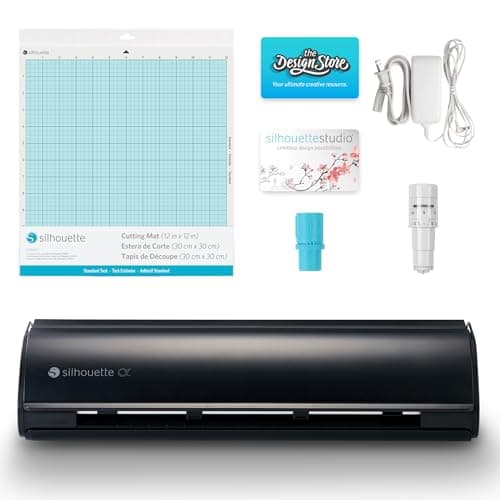
Silhouette America
Silhouette Cameo 5 Alpha: materials up to 3 mm
See price on Amazon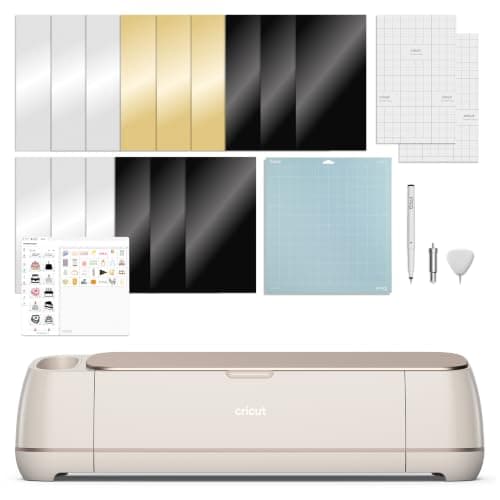
Cricut
Cricut Maker 4: leather and wood, engraves and debosses
See price on Amazon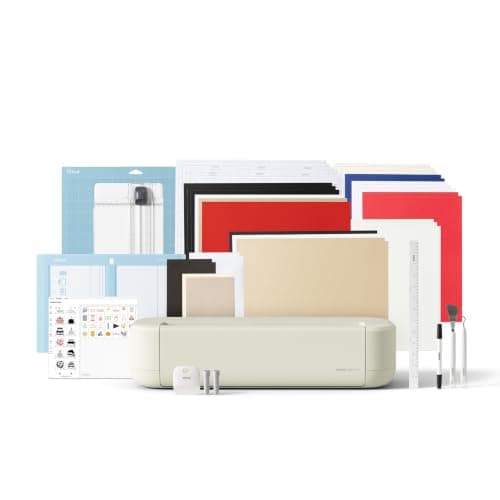
Cricut
Cricut Explore 5: scores and writes, 12 in width
See price on Amazon
- Silhouette Cameo 5 Alpha: materials up to 3 mm
- Max material thickness
- 3 mm
- Max cut width
- Not stated
- Blades/tools
- AutoBlade; cuts, sketches and embosses
- Software
- Silhouette Studio
- Cricut Maker 4: leather and wood, engraves and debosses
- Max material thickness
- Not stated
- Max cut width
- Not stated
- Blades/tools
- Fine-Point Blade; draws, foils, scores, engraves, debosses
- Software
- Cricut Design Space
- Cricut Explore 5: scores and writes, 12 in width
- Max material thickness
- -
- Max cut width
- 12 in (30.5 cm)
- Blades/tools
- -
- Software
- -
| Pick | Max material thickness | Max cut width | Blades/tools | Software | Price | Link |
|---|---|---|---|---|---|---|
| Silhouette Cameo 5 Alpha: materials up to 3 mm | 3 mm | Not stated | AutoBlade; cuts, sketches and embosses | Silhouette Studio | - | Amazon |
| Cricut Maker 4: leather and wood, engraves and debosses | Not stated | Not stated | Fine-Point Blade; draws, foils, scores, engraves, debosses | Cricut Design Space | - | Amazon |
| Cricut Explore 5: scores and writes, 12 in width | - | 12 in (30.5 cm) | - | - | - | Amazon |
Facts are taken from each Amazon listing. Prices are checked daily and shown with their date.
Verdict
Choose the Silhouette Cameo 5 Alpha for matless cutting from ordinary vinyl rolls and one-time desktop software. Choose the Cricut Maker 4 for fabric, wood and leather, and the Explore 5 for the lowest price and a simple app for vinyl, cards and stickers.
Cricut and Silhouette make most of the home cutting machines sold in the US, and the machines look similar on a shelf. The real differences are in four places: the software and what it costs over time, how wide and how long each machine can cut, whether you can feed material without a mat, and which blades each one takes. This page compares the Silhouette Cameo 5 Alpha with the Cricut Maker 4 and Explore 5 on those four points, using listing facts for specs, so you can match the brand to the projects you plan to make.
Software: Silhouette Studio vs Design Space
Cricut Design Space is a free app for Windows, Mac, iOS and Android. It is easy to learn and handles every Cricut machine. It is cloud-connected, and Cricut sells an optional Cricut Access subscription for a large library of images, fonts and projects. You can use your own SVG files and fonts without paying. More detail: do you need Cricut Access.
Silhouette Studio is desktop software for Windows and Mac. The free Basic edition handles cutting, text and simple design. Paid editions such as Designer, Designer Plus and Business are one-time upgrades that add features like SVG import and more tools. Silhouette also runs a design store with its own subscription, but you do not need it to cut. See Silhouette Studio editions explained.
If you want to work mainly from a phone, Cricut is the easier fit. If you want detailed desktop design control and a one-time software cost, Silhouette has the edge. Both can also cut free SVG files; see free vinyl cutter software.
Spec table from the listings
Only facts stated in the current listings appear below. Where a listing does not give a number, the cell says so.
| Silhouette Cameo 5 Alpha (B0FQFYVF8B) | Cricut Maker 4 (B0DTQBZ3J3) | Cricut Explore 5 (B0GJFL3WHS) | |
|---|---|---|---|
| Cut width | Not stated in listing | Not stated in listing | 12 in (30.5 cm) machine |
| Materials | Wide variety up to 3 mm thick | 300+ including leather, wood, vinyl | 100+ including vinyl, iron-on, cardstock, printable |
| Speed | Up to 400 mm/s | Not stated in listing | Not stated in listing |
| Print then cut | Yes, 4-point registration | Yes, most inkjet printers | Yes, home inkjet printer |
| Tools | AutoBlade, sketch, emboss | Cuts, draws, foils, scores, engraves, debosses, perforates | Six tools including Deep Cutting Tool (sold separately) |
| Software | Silhouette Studio | Design Space, optional Cricut Access | Design Space via Bluetooth |
| Listed price | $299.00 | $329.00 | $199.00 |
Note.The Silhouette Cameo 5 Alpha Plus listing gives a 15-inch cutting width; check the exact model before relying on width.
Cut width and matless cutting
Cricut's Maker and Explore lines are 12-inch-class machines. They can cut without a mat only when you use Cricut Smart Materials, which are made with a stiff backing for that purpose. Regular vinyl from other brands goes on a mat.
Silhouette Cameo machines can feed ordinary backed vinyl and HTV from a roll without a mat, using the roll feeder and the machine's rollers. That is a real advantage if you buy vinyl in bulk rolls from other brands. The Cameo 5 Alpha Plus listing gives a 15-inch cut width, wider than a standard 12-inch machine, which matters for large shirt decals and signs.
For long runs, check our cutting machine cut size chart for typical widths and lengths by model.
Blades and thick materials
The Cricut Maker is the stronger choice for thick and soft materials. Its adaptive tool system drives the knife blade for basswood up to 2.4 mm, chipboard up to 2 mm and tooling leather up to about 2.4 mm, and the rotary blade for unbacked fabric and felt on a fabric grip mat. The Explore takes the fine point, deep point and bonded fabric blades, so it needs backed fabric.
The Cameo uses the AutoBlade, which sets its own depth from the Studio settings: lower numbers for thin vinyl, higher for cardstock. On a Cameo 4 or later you can add the Kraft blade for thicker items. The Cameo 5 Alpha listing says it handles materials up to 3 mm thick. For dense wood or leather, the Maker's knife blade is the more established path. See how to cut wood with Cricut.
Which brand fits which crafter
Most of these overlap. For general vinyl and iron-on work, the deciding factor is often which software you prefer after watching a short tutorial for each. Our best cutting machines for beginners guide covers both brands with the software costs called out.
| You mostly make | Better fit | Why |
|---|---|---|
| Vinyl decals from bulk rolls | Silhouette Cameo | Matless roll feeding with ordinary vinyl |
| Shirts with large back designs | Silhouette Cameo Plus or Pro | Wider cut width |
| Stickers | Either | Both offer print then cut |
| Fabric and quilting pieces | Cricut Maker | Rotary blade cuts unbacked fabric |
| Wood, chipboard, leather | Cricut Maker | Knife blade with multiple passes |
| Cards and paper from a phone | Cricut Explore or Joy | Simple mobile app |
Settings differ by brand
Cricut uses material presets in Design Space with More or Less pressure options. Silhouette uses blade depth, force and speed numbers in Studio. Starting points for both are in our cut settings finder and in Silhouette Cameo cut settings and the Cricut cut settings chart. On either machine, cut a small test shape and adjust one setting at a time.
Frequently asked questions
Is Silhouette or Cricut better for vinyl? Both cut adhesive vinyl and HTV cleanly. Silhouette makes it easier to cut ordinary vinyl from a roll without a mat; Cricut needs Smart Materials for matless cuts.
Does Silhouette need a subscription? No. Silhouette Studio Basic is free, and paid editions are one-time upgrades. The design store subscription is optional.
Can a Silhouette Cameo cut fabric like a Cricut Maker? It can cut backed fabric and some fabrics with the right tools, but the Cricut Maker's rotary blade is the more direct option for unbacked cotton and felt.
Can I use Cricut files on a Silhouette? SVG files work on both, though Silhouette Studio Basic needs an upgrade to import SVG. Projects saved inside Design Space stay in Cricut's app.
What you need for this
- See price on AmazonAmazon
Silhouette Cameo 5 Alpha: materials up to 3 mm
- See price on AmazonAmazon
Cricut Explore 5: scores and writes, 12 in width
From Best Cricut machines, from Joy 2 and Joy Xtra to Maker 5
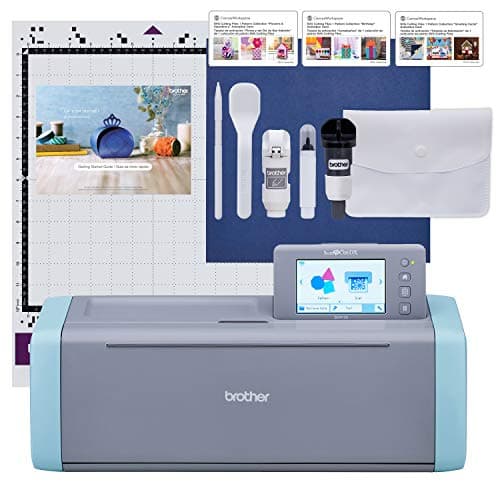 See price on AmazonAmazon
Brother ScanNCut SDX125E: built-in scanner, 3 mm cutting
From Best Cricut Maker alternatives from Brother, Silhouette and Siser