Explainer
Cricut cut settings chart: material, blade, pressure
Published
Short answer
Pick the material in Design Space and start with its preset: Cricut builds the blade depth, pressure and number of passes into each material setting. Use the fine point blade and StandardGrip mat for vinyl, iron-on and cardstock, the deep point blade for magnet sheet and heavy card, the Knife Blade on a Maker for chipboard and basswood, and the rotary blade on a Maker for unbacked fabric.
Gear for this job
All 7 picks compared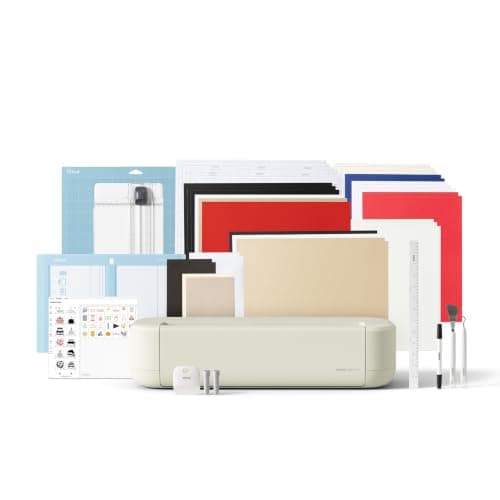
Cricut Explore 5: 12 in cutting for vinyl and cards
See price on AmazonSee it on Amazon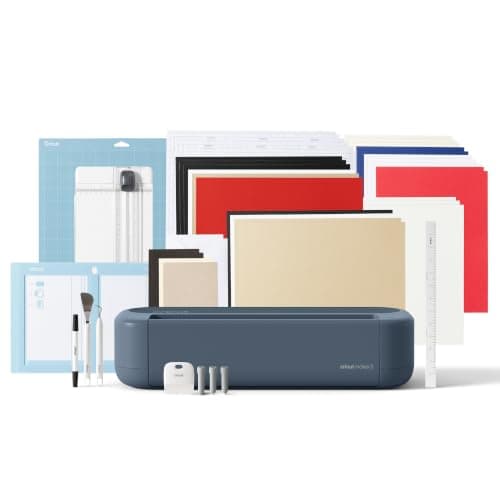
Cricut Maker 5: 3 mm materials and 13 tools
See price on AmazonSee it on Amazon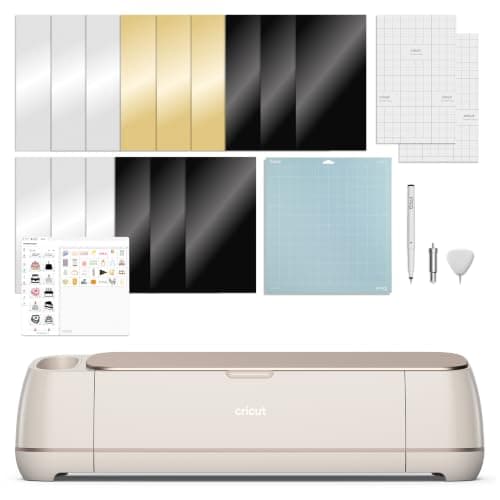
Cricut Maker 4: 300+ materials including leather and wood
See price on AmazonSee it on Amazon
Cricut does not show pressure numbers the way a vinyl plotter does. Instead, each material in Design Space carries its own settings, and you choose Default, More or Less pressure at the Make screen. What you do control is the blade, the mat and which material you pick. This chart lists common materials with the blade, mat, preset and pressure change that give a clean cut on Explore, Maker and Joy machines. It is a starting point: always confirm with a small test cut.
How Cricut cut settings work
When you click Make in Design Space, you choose a material from the list, for example Premium Vinyl or Medium Cardstock. That choice sets the cut pressure, the number of passes and sometimes the blade Design Space asks you to load. On the next screen you can switch Pressure between Less, Default and More. That is the main adjustment you have for a stock material.
If no preset fits, you can create a custom material in Design Space's materials settings, where you pick the blade, set a cut pressure value and the number of passes. Start from the closest existing material rather than from scratch. On older Explore machines with a dial, set the dial to Custom to use the full Design Space material list.
Cricut cut settings chart
Cricut Joy and Joy Xtra take only the fine point blade, so anything in the deep point, Knife Blade or rotary rows is not supported on them. The Knife Blade and rotary blade need the Adaptive Tool System, which only the Cricut Maker family has. Try any combination in the cut settings finder.
| Material | Blade | Mat | Pressure | Machines |
|---|---|---|---|---|
| Adhesive vinyl | Fine point | StandardGrip (green) | Default | All |
| Iron-on (HTV), mirrored, shiny side down | Fine point | StandardGrip (green) | Default | All |
| Glitter iron-on | Fine point | StandardGrip (green) | Default, or More if it does not cut through | All |
| Printable vinyl (print then cut) | Fine point | StandardGrip (green) | Default | All |
| Copy paper | Fine point | LightGrip (blue) | Default | All |
| Cardstock up to 80 lb | Fine point | StandardGrip (green) | Default | All |
| Glitter cardstock | Fine point | StandardGrip (green) | More if needed | All |
| Heavy cardstock over 80 lb | Deep point | StandardGrip or StrongGrip | More | Explore, Maker |
| Magnet sheet | Deep point | StrongGrip (purple) | More | Explore, Maker |
| Stiffened felt | Deep point | StandardGrip or StrongGrip | More | Explore, Maker |
| Chipboard 2 mm | Knife Blade | StrongGrip, taped | Preset, several passes | Maker only |
| Basswood or balsa | Knife Blade | StrongGrip, taped | Preset, several passes | Maker only |
| Tooling leather | Knife Blade | StrongGrip, taped | Preset, several passes | Maker only |
| Unbacked fabric or felt | Rotary | FabricGrip (pink) | Default | Maker only |
| Fabric with a fused backer | Bonded fabric (or rotary on Maker) | FabricGrip (pink) | Default | Explore, Maker |
Which blade cuts what
The fine point blade is the default in every machine and handles vinyl, iron-on, paper and cardstock. The deep point blade has a steeper angle and a black housing; it cuts thicker items, and the site's tool data puts its limit at about 1.5 mm. The Knife Blade works like a craft knife and cuts dense material up to 2.4 mm (3/32 in) in several passes. The rotary blade rolls through fabric without a backer.
For more detail on each blade, see Cricut blades explained. For wood and chipboard, read how to cut wood with a Cricut.
How to adjust when a cut fails
For vinyl and iron-on the target is a kiss cut: the blade goes through the vinyl and only scores the clear or paper liner. If the material shifts during the cut, the mat has usually lost its tack; see Cricut mat not sticky. If vinyl will not cut at all, Cricut not cutting through vinyl walks through every cause.
- 1
Cut a small test shape, such as a 1 inch star, before the full design.
- 2
If the vinyl does not weed, check the blade tip for stuck vinyl or a chip before changing anything else.
- 3
Set Pressure to More and cut another test shape.
- 4
If the liner or backing is cut through, set Pressure to Less or pick a thinner material preset.
- 5
If thick material is still attached, add a pass rather than unloading the mat.
- 6
Change one setting at a time so you know what fixed it.
Custom materials: when and how
Create a custom material when you cut a brand or thickness that is not in the list and the closest preset is not quite right. In Design Space, open the materials settings, add a new material, give it a clear name such as the brand and thickness, choose the blade, then set cut pressure and passes. Save it and run a test shape.
Raise pressure in small steps and add a pass before you jump to a much higher pressure. Too much pressure on thin material drags and tears it. On a Maker, if you are cutting thick material often, our guide to cutting machines for thick materials compares the machines that handle it best.
Note.Write your working custom settings down or name them clearly. When a firmware or app update changes the list, you can rebuild them quickly.
Frequently asked questions
What is the best Cricut setting for vinyl? Pick the matching vinyl material in Design Space, use the fine point blade on a StandardGrip mat and leave pressure on Default. Only change to More if a test cut does not weed cleanly.
Can I see the actual pressure number for a Cricut material? For custom materials yes, you set a pressure value and passes in the materials settings. For stock materials you choose Less, Default or More.
Why does my Cricut cut through the backing? The pressure or material setting is too heavy for the vinyl, or you picked a thicker material. Choose the exact vinyl type and set Pressure to Less.
Does the Cricut Joy have different settings? The Joy uses the same Design Space materials, but only the fine point blade, so it cuts vinyl, iron-on, paper and card, not thick materials.
What you need for this
- See price on AmazonAmazon
Cricut Explore 5: scores and writes, 12 in width
From Best Cricut machines, from Joy 2 and Joy Xtra to Maker 5
- See price on AmazonAmazon
Cricut Maker 5 Essential Bundle with Scoring Tool
- See price on AmazonAmazon
Cricut Maker 4: leather and wood, engraves and debosses