Explainer
Silhouette Studio editions explained
Published
Short answer
Silhouette Studio Basic is free and cuts with every Silhouette machine. Designer Edition is the upgrade most crafters need, because it opens SVG files and adds design tools. Designer Plus adds rhinestone and extra design features, and Business Edition adds saving SVG files, importing AI, CDR and EPS files, weed lines and running more than one cutter. Each upgrade is a one-time license, not a subscription.
Gear for this job
All 5 picks compared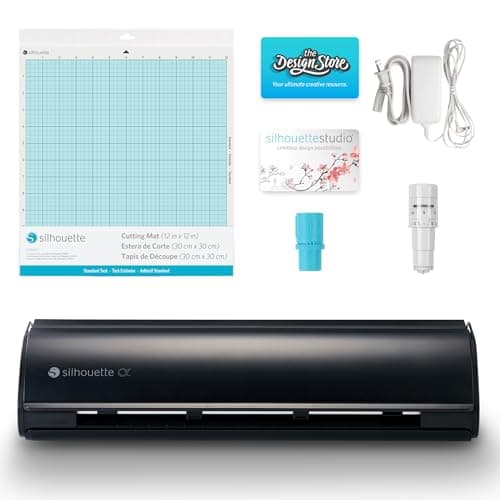
Silhouette Cameo 5 Alpha: 3 mm materials, 400 mm/s
See price on AmazonSee it on Amazon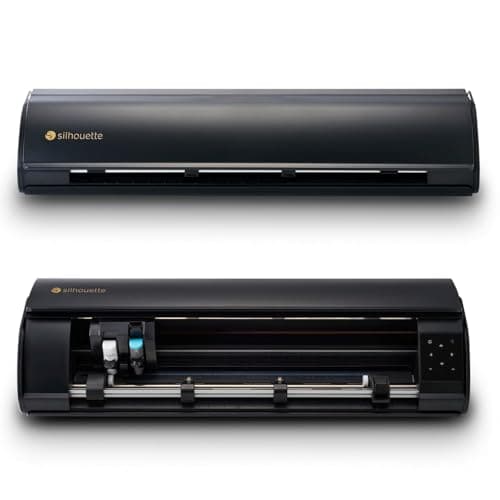
Silhouette Cameo 5 Alpha Plus: 15 in cutting width
See price on AmazonSee it on Amazon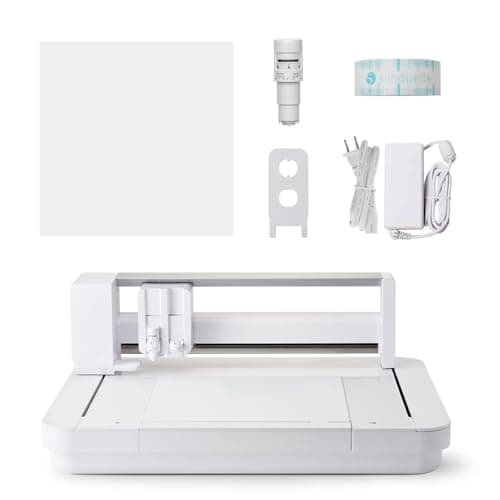
Silhouette Curio 2: 12x12 flatbed, 20 mm clearance
See price on AmazonSee it on Amazon
Silhouette Cameo, Portrait and Curio machines all use Silhouette Studio. The free version comes with every machine, and three paid upgrades unlock more file types and tools. The names are confusing and the feature lists are long, so this page sorts them by what changes in practice: which files you can open, which files you can save, and what a small business gains. Prices are as listed on Silhouette America's website in October 2026.
The four editions at a glance
Sale prices were shown on Silhouette's software page when we checked in October 2026. Silhouette discounts upgrades often, so check the current page before you buy. Some machine bundles include an upgrade code; one Portrait 4 bundle on Amazon lists Business Edition, and some Cameo bundles list Designer or Business Edition.
| Edition | Price | Main additions |
|---|---|---|
| Basic | Free | Cuts on every Silhouette machine, basic design tools, trace, Studio files |
| Designer | $49.99 list ($39.99 on sale) | Opens SVG files, more design and manipulation tools |
| Designer Plus | $74.99 list ($59.99 on sale) | Everything in Designer plus rhinestone features, lasso selection, warp |
| Business | $99.99 list ($79.99 on sale) | Everything in Designer Plus plus SVG saving, AI/CDR/EPS import, weed lines, multi-cutter support |
Basic Edition: what the free version does
Basic Edition is the full cutting program for Silhouette machines. You can draw shapes and text with any font installed on your computer, trace a PNG or JPG to make cut lines, use print and cut with registration marks, and cut designs from the Silhouette Design Store. It also opens Silhouette's own .studio files and DXF files.
What Basic cannot do is open SVG files. That matters because most cut files sold online come as SVG. With Basic you would need the DXF or PNG version of the file instead, and DXF files sometimes import with jagged curves or broken lines.
Designer Edition: the upgrade most people need
Designer Edition is the step that opens SVG files directly, which Silhouette lists as a Designer-and-higher feature. It also adds manipulation tools such as move, rotate, scale, align and replicate panels, more drawing tools and layers. For a home crafter who buys SVG bundles, this one upgrade removes most frustration.
If you mainly cut your own text and simple shapes, or you only cut from the Design Store, Basic may be enough. If you buy files from Etsy or design shops, Designer is the practical minimum.
Designer Plus and Business Edition
Designer Plus includes everything in Designer and adds rhinestone tools, lasso selection and warp templates. It is aimed at people who make rhinestone templates or want more design flexibility, and it is the least essential of the three upgrades for most vinyl crafters.
Business Edition is the one sellers ask about. Silhouette lists it as the edition needed to save SVG files, and it adds import of Adobe Illustrator (AI), CorelDRAW (CDR) and EPS files, a weed line feature that adds lines around a design to speed up weeding, and multi-cutter support so one computer can run more than one Silhouette at a time. Silhouette also describes automatic nesting, which packs shapes tightly to save material.
- Choose Business if you receive AI or EPS files from customers
- Choose Business if you run two or more cutters from one computer
- Choose Business if you want to save or export your designs as SVG
- Designer is enough if you only open SVG files and cut them
How to upgrade
Upgrades are one-time licenses, not subscriptions, and you can step up later from Designer to Business by buying the difference upgrade where Silhouette offers one. The Silhouette Design Store subscription is separate: it gives you design credits and is not needed for any of the software features above.
If you are still picking a machine, our Silhouette Cameo guide covers the current Cameo and Portrait models, and Silhouette Cameo vs Cricut compares the software side by side.
- 1
Download and install the latest Silhouette Studio from silhouetteamerica.com.
- 2
Buy the upgrade code from Silhouette or an authorized seller.
- 3
In Silhouette Studio, open the Help menu and choose the option to upgrade Silhouette Studio.
- 4
Enter the code. The program restarts with the new edition name in the title bar.
- 5
Keep the code with your records in case you reinstall on a new computer.
Which edition should you buy?
Start with Basic and see whether it covers your files. Upgrade to Designer the first time you need to open an SVG. Move to Business when you sell and need SVG export, AI or EPS import, weed lines or a second cutter. Skip Designer Plus unless you make rhinestone designs. For first-time setup, see how to set up a Silhouette Cameo, and for cut problems, Silhouette Cameo cut settings.
Frequently asked questions
Is Silhouette Studio free? Yes. Basic Edition is free and runs every Silhouette cutting machine. Paid editions add file types and tools.
Can Silhouette Studio Basic open SVG files? No. Silhouette lists SVG opening as a Designer Edition or higher feature. In Basic, use the DXF or PNG version of a file instead.
Do I need Business Edition to sell what I make? Not for the license to sell. Business Edition is about features such as SVG saving, AI and EPS import, weed lines and multiple cutters. Selling rights depend on the license of each design you use.
Is Silhouette Studio a subscription? No. Upgrades are one-time purchases. The Silhouette Design Store subscription is a separate, optional service for buying designs.
What you need for this
- See price on AmazonAmazon
Silhouette Cameo 5 Alpha: materials up to 3 mm
 See price on AmazonAmazon
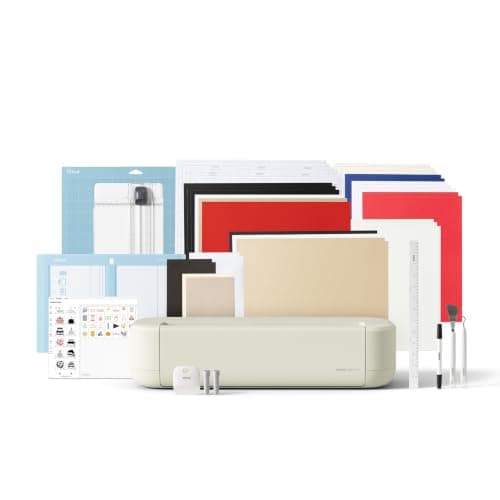
Cricut Explore 5: scores and writes, 12 in width
From Best cutting machines for beginners: Cricut, Silhouette and Brother
 See price on AmazonAmazon
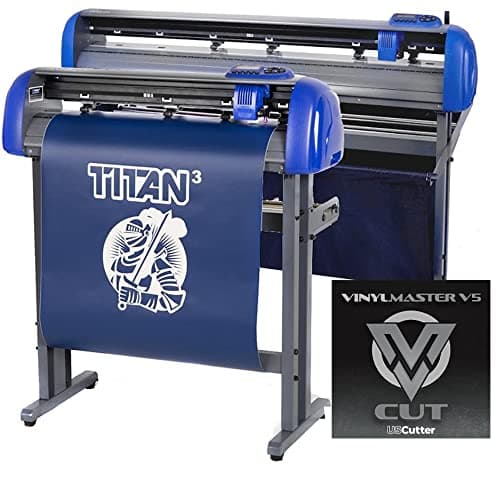
USCutter Titan 3: 28 in servo, ARMS contour, 750 g