Explainer
Vinyl cutter software, free and paid
Published
Short answer
Every craft cutter comes with free software: Cricut Design Space, Silhouette Studio Basic Edition and Brother CanvasWorkspace. For design work, Inkscape is a free vector editor that exports SVG and DXF files for all of them. Roll-fed vinyl plotters usually need sign software such as SignMaster, VinylMaster or Sure Cuts A Lot, which is paid but adds contour cutting, weed borders and better plotter control.
Gear for this job
All 7 picks compared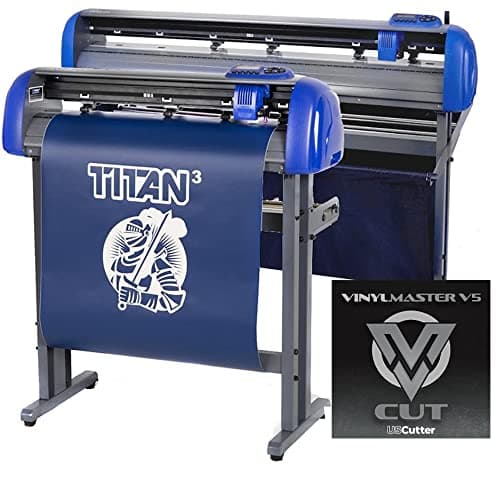
USCutter Titan 3 28 in: servo, 750g, ARMS contour
See price on AmazonSee it on Amazon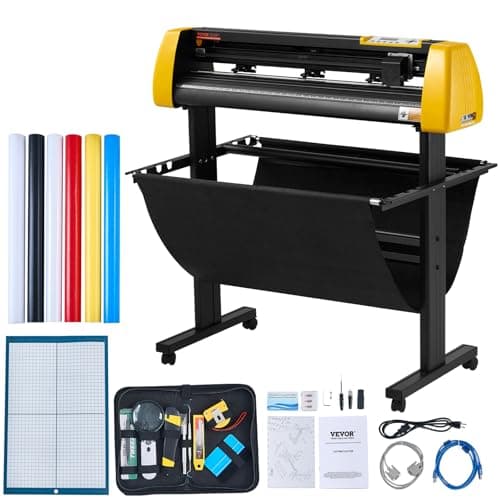
VEVOR 34 in camera contour cutter: 500g, 800 mm/s
See price on AmazonSee it on Amazon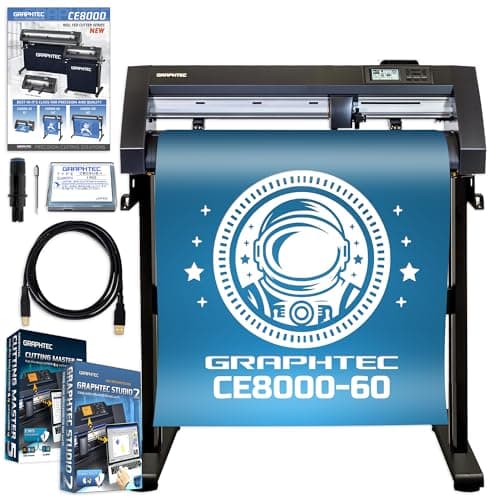
Graphtec CE8000-60 Plus: 24 in industrial plotter
See price on AmazonSee it on Amazon
Cutting software does two jobs: it lets you make or import a design, and it sends that design to the machine as cut paths. Craft cutter brands bundle their own free programs, while vinyl plotters from sign brands and budget makers often rely on third-party sign software. This page is for crafters and small shop owners who want to know which program drives their cutter, what the free options really cover, and when paying for a sign program saves time. We also explain how a free design tool fits alongside the cutting program.
Design software versus cutting software
Design software is where you draw shapes, set text and arrange layers. Cutting software talks to the machine: it sets the blade force, speed and passes, places the design on the mat or roll and sends the job. Some programs, such as Silhouette Studio and Cricut Design Space, do both. Others, such as Inkscape, only design, so you save an SVG or DXF file and open it in the program that drives your cutter.
Most crafters use the free program that came with their machine for cutting and add a separate design tool only when they need more control over vector shapes. Small shops cutting large volumes of vinyl usually move to a sign program that handles both design and plotter output.
Free cutting software by machine brand
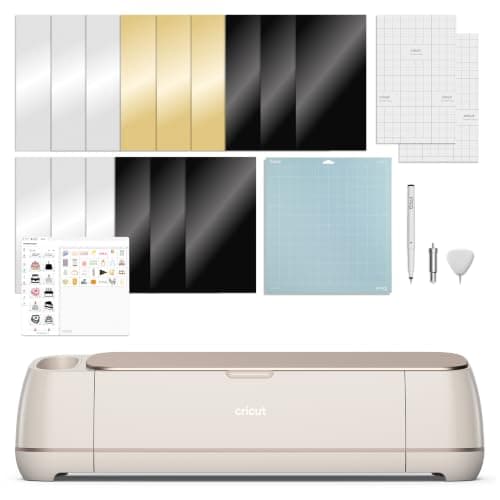
Cricut machines cut only through Design Space. The program itself is free; a Cricut Access subscription adds a large library of images and fonts but is not needed to cut your own designs. See do you need Cricut Access for when it pays off.
Silhouette Studio Basic Edition is free with every Silhouette machine and handles text, shapes, tracing and DXF import. Paid editions add SVG and PDF import, more design tools and, in Business Edition, support for some cutters from other brands. Our Silhouette Studio editions explained page lists what each one adds.
| Machine | Free software | Paid upgrade or option |
|---|---|---|
| Cricut Joy, Explore, Maker, Venture | Cricut Design Space | Cricut Access subscription for fonts and images |
| Silhouette Cameo and Portrait | Silhouette Studio Basic Edition | Designer, Designer Plus and Business Editions |
| Brother ScanNCut | Brother CanvasWorkspace | Some paid feature add-ons |
| Roll-fed vinyl plotters | Bundled program, varies by maker | SignMaster, VinylMaster, Sure Cuts A Lot |
Free design tools that work with any cutter
Inkscape is free, open-source vector software for Windows, macOS and Linux. It draws shapes, converts text to paths, traces bitmap images and exports SVG, DXF and PDF files that cutting programs can import. It is the most common free choice when the bundled program feels limited.
When you design for cutting, keep everything as closed vector paths, convert text to outlines before export, and remove overlapping shapes by welding or combining them so the blade does not cut lines you do not want. Our vinyl cutter file formats guide explains which format each program accepts.
- Inkscape: free vector editor, exports SVG and DXF
- Design Space: imports SVG, DXF, PNG and JPG for Cricut machines
- Silhouette Studio Basic: opens Studio and DXF files; SVG needs a paid edition
- CanvasWorkspace: imports SVG and other common formats for Brother machines
Software for roll-fed vinyl plotters
Vinyl plotters from sign brands and budget makers usually come with a bundled program or a license for a sign package. Quality varies a lot. Some bundled programs are basic and only send a file to the cutter, while others are a light version of a full sign program. Check exactly what came with your plotter, and whether it supports your operating system, before buying anything else.
SignMaster, VinylMaster and Sure Cuts A Lot are the paid programs most often used with hobby and small-business plotters. They support long lists of cutter models, add contour cutting with registration marks on plotters that have an optical sensor, create weed borders and weed lines automatically, and tile large jobs across several pieces of vinyl. If you plan to sell decals, these features save real time.
Before you pay, confirm your exact plotter model is on the program's supported list. A program that does not list your cutter may not drive it properly even if the connection works. Setup for a typical budget plotter is covered in how to set up a Vevor vinyl cutter.
When paid software is worth it
Free software is enough for most home crafters. Paying makes sense when the free program blocks a job you do often. Common reasons are needing SVG import in Silhouette Studio, running print and cut stickers on a plotter, cutting long banners or tiled signs, or managing a steady stream of customer orders.
Paid sign programs also help when you run more than one cutter, because a single program can drive different machines. Many offer free trials, so test your real files before buying. For business setups, see our guides to vinyl cutters for small business and large-format vinyl cutters.
Avoid unsafe free downloads
Search results for free cutter software include cracked copies of paid programs and download sites that bundle unwanted software. Download cutting programs only from the maker's own website or a vendor you trust. Drivers in particular should come from the machine maker, because a wrong or modified driver can stop the cutter from connecting.
If a program asks for administrator access, it is usually to install a USB driver. That is normal for the official installer but a reason for caution with anything else.
Note.Use only official downloads from the software or machine maker. Pirated cutting software often lacks current drivers and can carry malware.
Frequently asked questions
Is there free software for a vinyl cutter? Yes. Cricut, Silhouette and Brother all include free programs, and Inkscape is a free design tool. Roll-fed plotters vary: some bundled programs work well, others are basic.
Can I use Cricut Design Space with another brand's cutter? No. Design Space works only with Cricut machines. Save your design as SVG and open it in the software for your other cutter.
Is SignMaster or VinylMaster better? Both are full sign programs. The deciding factors are whether your plotter model is supported and which interface you prefer in the free trial.
Do I need a paid program to make stickers? Not on a Cricut or Silhouette, which handle print then cut in their free software. On a plotter, contour cutting usually needs a sign program and a cutter with an optical sensor.