Explainer
Which Cricut mat to use for each material
Published
Short answer
Use the blue LightGrip mat for copy paper and thin card, the green StandardGrip mat for vinyl, iron-on and cardstock, the purple StrongGrip mat for chipboard, wood, magnet sheet and other thick materials, and the pink FabricGrip mat for fabric. Mat size follows the machine: Explore and Maker use 12 x 12 and 12 x 24 inch mats, while Joy models use their own narrower mats.
Gear for this job
All 7 picks compared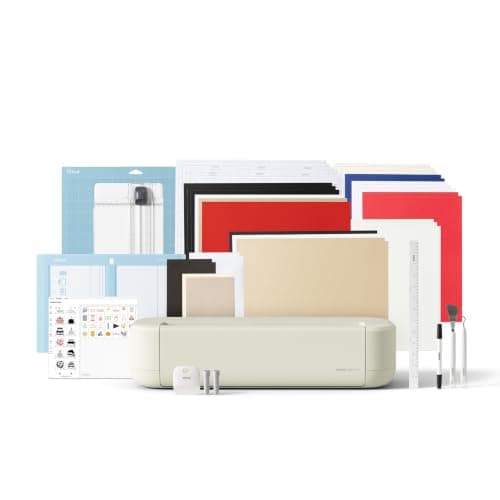
Cricut Explore 5: 12 in cutting for vinyl and cards
See price on AmazonSee it on Amazon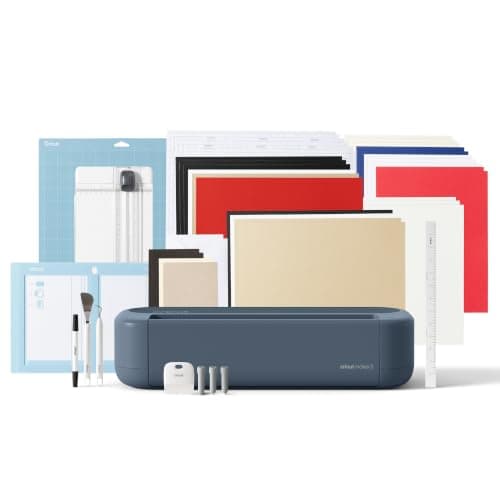
Cricut Maker 5: 3 mm materials and 13 tools
See price on AmazonSee it on Amazon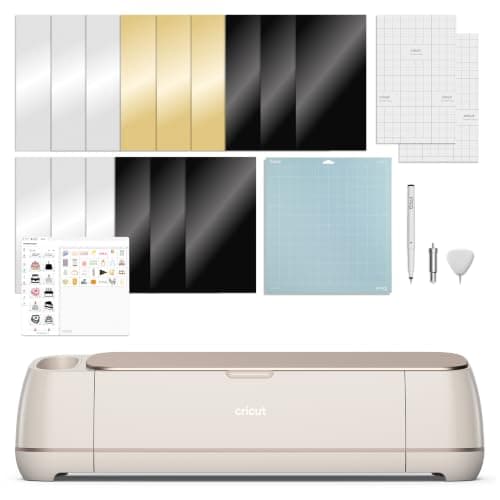
Cricut Maker 4: 300+ materials including leather and wood
See price on AmazonSee it on Amazon
Cricut mats look alike except for color, but the grip makes a real difference. Too little grip and the material shifts mid cut, which looks like a blade problem. Too much grip and paper tears or curls when you peel it off. This page matches each Cricut mat to the materials it is made for, explains the mat sizes for each machine family, and covers when you can skip the mat altogether with Smart Materials. It also covers how to make a mat last longer.
The four Cricut mat grips
Cricut color codes its mats by adhesive strength. The color is on the mat's border and the packaging, so you can tell them apart at a glance.
| Mat | Color | Use it for |
|---|---|---|
| LightGrip | Blue | Copy paper, printer paper, light cardstock, vellum, construction paper |
| StandardGrip | Green | Adhesive vinyl, iron-on, cardstock, printable vinyl, patterned paper |
| StrongGrip | Purple | Chipboard, basswood, leather, magnet sheet, glitter cardstock, heavy cardstock |
| FabricGrip | Pink | Cotton and other fabrics, felt, bonded fabric |
Which mat for iron-on and vinyl
For iron-on (heat transfer vinyl), use the green StandardGrip mat. Place the iron-on with the shiny carrier side down and mirror the design in Design Space. The carrier sheet holds well on standard grip and peels off without stretching. Adhesive vinyl goes on the same mat, liner side down.
On Explore and Maker models that support Smart Materials, and on Joy models, Smart Vinyl and Smart Iron-On cut without a mat. They have a stiffer backing that feeds straight through the machine. Regular vinyl and iron-on from other brands still need a mat, unless they are sold as matless and the machine supports it. When the material shifts, the problem is often a mat that has lost its tack, not the blade. See Cricut mat not sticky.
Which mat for paper, card and thick materials
Thin paper on a strong mat is a common mistake. It tears or curls when you lift it. Use LightGrip for printer paper and thin card, and peel the mat away from the paper rather than the paper away from the mat: flip it over and bend the mat back while holding the paper flat.
Cardstock up to about 80 lb sits well on StandardGrip. Glitter cardstock, heavy cardstock, magnet sheet and anything you cut with the deep point or Knife Blade belongs on StrongGrip. For Knife Blade jobs on a Maker, also tape the material down on all four edges with masking tape so it cannot move during the many passes. The cut settings chart lists the blade and mat for each material together.
Which mat for fabric
Use the pink FabricGrip mat for fabric. It is made for the rotary blade on a Cricut Maker and for bonded fabric on an Explore. Keep the fabric mat for fabric only: paper fibers and vinyl residue reduce its grip and leave lint on your fabric.
Smooth the fabric onto the mat with a brayer and keep the grain straight. On a Maker, move the white star wheels out of the way if the preset asks you to, so they do not mark the fabric. See how to cut fabric with a Cricut Maker for the full process.
Cricut mat sizes for each machine
The usable cut area on a mat is a little smaller than the mat because the machine needs a margin to grip it. Design Space shows the limit when you choose a mat size. For full machine limits, see the cut size chart. Newer models such as the Joy 2, Explore 5 and Maker 5 list their own compatible mats; check Cricut's product page before you buy spares. If you are still choosing a machine, the Cricut machine guide compares the current lineup.
| Machine | Mat sizes | Notes |
|---|---|---|
| Explore and Maker family | 12 x 12 in and 12 x 24 in | Same mats fit all Explore and Maker models |
| Cricut Joy (original) | 4.5 x 6.5 in and 4.5 x 12 in | Joy-only mats |
| Cricut Joy Xtra | 8.5 x 12 in and 8.5 x 24 in | Joy Xtra-only mats |
| Cricut Venture | Wider performance mats | Check Cricut's mat list for the Venture |
How to make a Cricut mat last longer
- Put the clear cover back on after each use to keep dust and lint off.
- Scrape off small bits of paper and vinyl with a scraper after each cut.
- Do not touch the adhesive with your fingers; skin oils reduce grip.
- Clean as Cricut describes for your mat type, and never use harsh solvents that strip the adhesive.
- Keep one mat for paper and another for vinyl, so fibers do not ruin vinyl cuts.
- Replace the mat when material slides even after cleaning.
Frequently asked questions
What Cricut mat do I use for iron-on vinyl? The green StandardGrip mat, with the iron-on shiny side down and the design mirrored. Smart Iron-On can be cut without a mat on compatible machines.
Can I use a StandardGrip mat for everything? It works for most vinyl and cardstock, but thin paper may tear and thick materials may shift. Matching the grip to the material gives cleaner cuts and longer mat life.
Do Cricut Joy mats fit the Explore or Maker? No. Joy and Joy Xtra mats are narrower and are made only for those machines. Explore and Maker models use 12 inch wide mats.
Why is my 12 x 24 mat not an option? In Design Space, choose the 12 x 24 size in the material size setting for that mat before you send the cut. See why Cricut moves my design.
What you need for this
- See price on AmazonAmazon
Cricut Explore 5: scores and writes, 12 in width
From Best Cricut machines, from Joy 2 and Joy Xtra to Maker 5
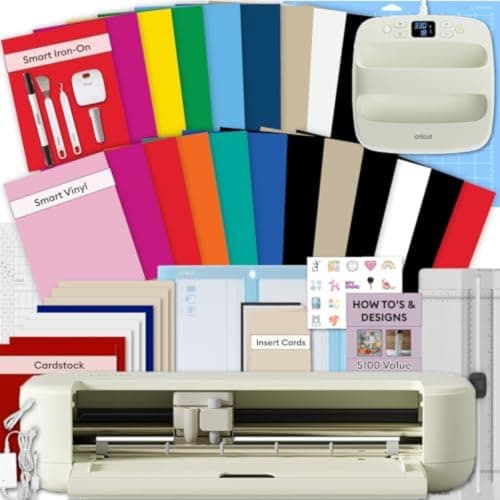 See price on AmazonAmazon
Explore 5 Essential Bundle + EasyPress 9x9
From Best Cricut bundles worth buying, with and without a heat press
- See price on AmazonAmazon
Cricut Maker 5 Essential Bundle with Scoring Tool