Fix
Cricut mat not sticky: clean or replace
Published
Short answer
A Cricut mat usually loses grip because dust, lint and paper fibers cover the adhesive. Scrape off debris, then use a lint roller or wipe the LightGrip, StandardGrip or StrongGrip mat gently with an alcohol-free baby wipe and let it air dry. Pink FabricGrip mats should only be lint-rolled or picked clean with tweezers. If the mat is still not sticky after cleaning, or it is warped or cut up, replace it.
Gear for this job
All 7 picks compared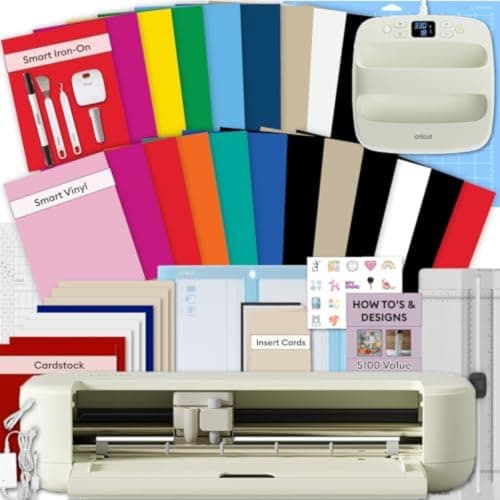
Explore 5 Essential Bundle + EasyPress 9x9
See price on AmazonSee it on Amazon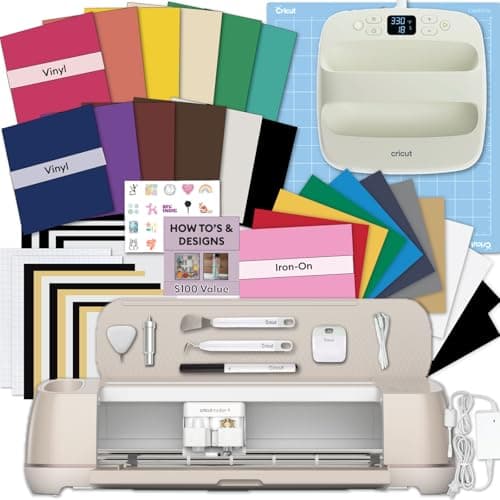
Maker 4 T-Shirt Bundle with EasyPress SE
See price on AmazonSee it on Amazon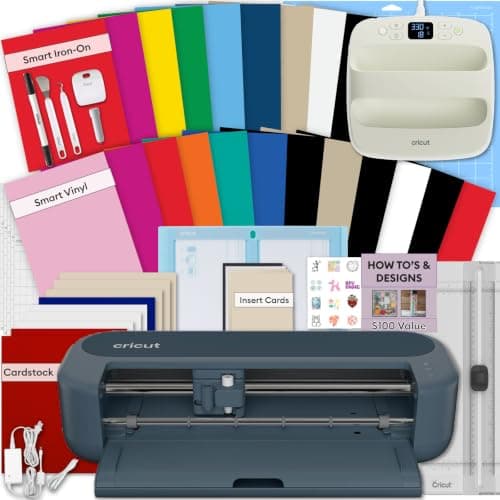
Maker 5 Multicolor Sampler + EasyPress SE 9x9
See price on AmazonSee it on Amazon
Every Cricut mat starts very sticky and slowly loses grip with use. When material slides, cuts double up, or vinyl and cardstock lift during cutting, the mat is usually the problem. This page is for Explore, Maker and Joy owners. It covers why mats lose grip, how to clean each type based on Cricut's care advice, how to store mats so they last, when a different grip is the real answer, and how to tell a mat is finished. For choosing the right mat in the first place, see which Cricut mat to use.
Why a Cricut mat stops sticking
- Debris: paper fibers, vinyl scraps and dust sit on the adhesive and stop material touching it.
- Lint and skin oils: touching the sticky surface leaves oils that reduce tack.
- Left uncovered: a mat without its clear cover collects dust quickly.
- Wrong material on the wrong mat: cardstock on a FabricGrip mat, for example, leaves fibers that ruin its fabric grip.
- Normal wear: the adhesive wears down with every cut and every peel. No cleaning fully restores an old mat.
Which cleaning method suits which mat
| Mat | Used for | Cleaning | Avoid |
|---|---|---|---|
| LightGrip (blue) | Copy paper, light cardstock, printable materials | Scraper, lint roller, alcohol-free baby wipe | Harsh scrubbing |
| StandardGrip (green) | Vinyl, iron-on, cardstock | Scraper, lint roller, alcohol-free baby wipe | Harsh scrubbing |
| StrongGrip (purple) | Chipboard, basswood, glitter cardstock, magnet | Scraper, lint roller, alcohol-free baby wipe | Harsh scrubbing |
| FabricGrip (pink) | Fabric and felt | Tweezers and lint roller only | Scraper, wipes, water, paper or vinyl on the mat |
How to clean a LightGrip, StandardGrip or StrongGrip mat
- 1
Use the Cricut scraper (or a plastic scraper) to push off loose bits, working from the center toward the edges. Light pressure is enough.
- 2
Roll a lint roller over the surface to lift dust and fibers.
- 3
For stuck-on grime, wipe gently with an alcohol-free baby wipe. Alcohol can break down the adhesive, so check the wipe's label.
- 4
Let the mat air dry completely, sticky side up, before using it or covering it.
- 5
Put the clear protective cover back on when you finish.
Note.Some crafters wash grip mats with mild soap and lukewarm water. Check Cricut's current care instructions for your mat before soaking or washing, and never put a mat in a dishwasher or near a heater to dry.
How to clean a FabricGrip mat
The pink FabricGrip mat is made to hold fabric with less tack than StrongGrip but a different adhesive. It does not tolerate scraping or wipes. Pick off threads and fabric bits with tweezers, then use a lint roller lightly. Keep it for fabric only, because paper and vinyl both leave residue that reduces its grip on fabric.
If you cut fabric often, see how to cut fabric with a Cricut Maker for handling tips that help the mat last.
When the answer is a different mat
Sometimes the mat is fine and the grip is wrong. Heavy cardstock, glitter cardstock and chipboard can lift on a StandardGrip mat even when it is clean; they need a StrongGrip mat. Thin paper torn by a StandardGrip mat belongs on a LightGrip mat.
Some crafters re-tack old mats with repositionable spray adhesive. This is not a Cricut recommendation: uneven adhesive can leave residue on materials and on the rollers, and overspray can get into the machine. A new mat is the safer fix. Our cut settings finder shows the recommended mat for each material.
Signs a mat is done
A worn mat causes more problems than it seems: shifting material leads to doubled cuts, cuts that miss on one side, and mats that feed crooked. If you see Cricut not cutting through vinyl symptoms on one side of the mat only, the mat is a prime suspect.
- Material still slides after a full clean
- Deep cut lines across the grid, especially from the knife blade or deep point blade
- Edges curling up or the mat warped so it does not feed flat
- Torn or missing grid printing where the machine reads the mat
- Sticky residue that transfers to the back of your materials
Making mats last longer
Keep the cover on whenever the mat is not in use, and store mats flat or hanging, not rolled or leaning. Remove material by bending the mat away from it rather than pulling material off the mat; this keeps paper flat and spares the adhesive. Wash or sanitize hands before touching the sticky surface, and avoid touching it at all where possible.
Mats are a consumable. Many Cricut bundles include extra mats, which is worth considering if you cut often; see our guide to the best Cricut bundles. If you are choosing a machine, best Cricut machines covers which models can cut Smart Materials without a mat at all.
Frequently asked questions
How do I make my Cricut mat sticky again? Clean it: scrape off debris, lint-roll it and wipe it gently with an alcohol-free baby wipe, then air dry. This restores much of the grip on mats that are dirty rather than worn out.
Can I wash a Cricut mat? Check Cricut's care instructions for your mat type. Grip mats can be wiped gently; the pink FabricGrip mat should not be washed or wiped and should be cleaned with tweezers and a lint roller only.
How do I clean a Cricut Maker itself? Unplug it, wipe the outside with a soft dry or slightly damp cloth, and remove scraps from the mat path. Do not spray cleaners into the machine.
How long does a Cricut mat last? It depends on the materials and how it is used. Replace it when material still slips after cleaning, or when it is warped or heavily cut.
What you need for this
- See price on AmazonAmazon
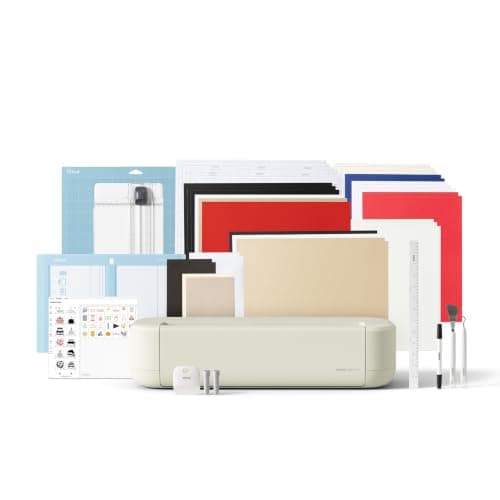
Explore 5 Essential Bundle + EasyPress 9x9
From Best Cricut bundles worth buying, with and without a heat press
 See price on AmazonAmazon
Cricut Explore 5: scores and writes, 12 in width
From Best Cricut machines, from Joy 2 and Joy Xtra to Maker 5