Explainer
Which Cricut machine do I have?
Published
Short answer
The fastest check is the label on the bottom or back of the machine, which shows the model name and number. Without a label, look at three things: a Smart Set dial means Explore Air or Air 2; two clamps with a gold Adaptive Tool clamp B and a tablet slot mean a Maker; a small machine with no buttons beyond a power switch is a Joy. Design Space also shows the model once the machine is connected.
Gear for this job
All 7 picks compared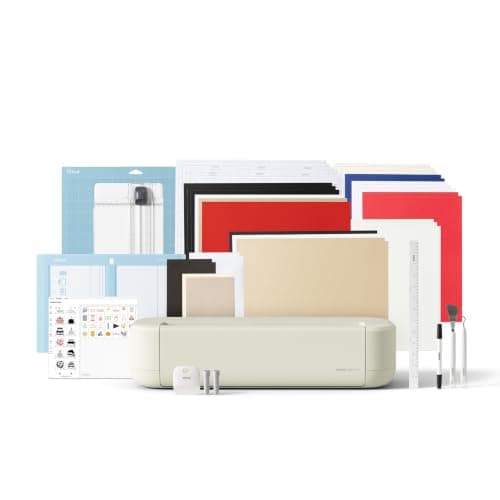
Cricut Explore 5: 12 in cutting for vinyl and cards
See price on AmazonSee it on Amazon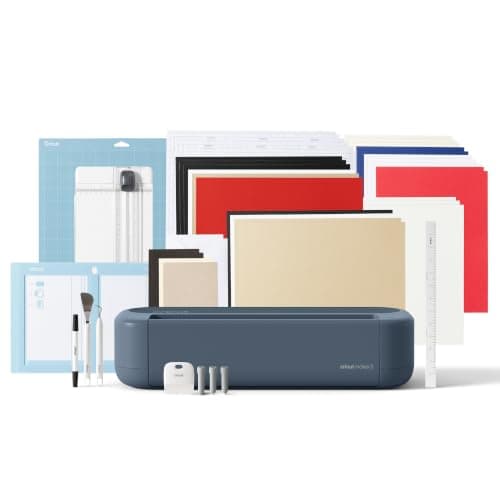
Cricut Maker 5: 3 mm materials and 13 tools
See price on AmazonSee it on Amazon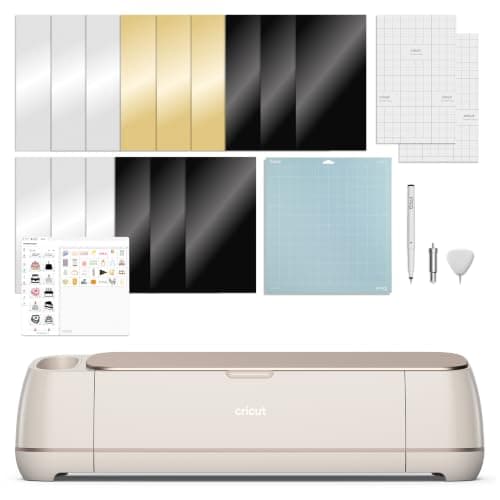
Cricut Maker 4: 300+ materials including leather and wood
See price on AmazonSee it on Amazon
Secondhand machines, gifts and hand-me-downs often arrive without a box, and Cricut has sold a lot of similar looking cutters. Knowing your exact model matters: it decides which blades fit, whether you can cut fabric without a backer, whether Smart Materials work without a mat, and which settings guides apply to you. This page shows how to identify any Cricut by its label, its controls and its features, gives the order in which the main families were released, and explains what each family can and cannot cut. For setup after you know the model, see how to set up a Cricut Explore.
Check the label first
Turn the machine off and unplug it. Tip it carefully and look on the bottom, or on the back near the power port. Cricut machines carry a label with the model name, a model number and a serial number. The name on that label is the most reliable answer.
If the machine is already working, connect it to Design Space. The machine selection menu and the New Machine Setup list show the name of the model it detects. This also tells you whether Design Space still supports it.
Identify it by its controls and clamps
| What you see | Model | Notes |
|---|---|---|
| Round Smart Set dial on the right, two clamps (A and B) | Explore Air 2 (or original Explore, Explore Air) | Air 2 is the most common; original Explore has no Bluetooth built in |
| Two clamps, no dial, buttons only | Explore 3 or Explore 4 | Can cut Smart Materials without a mat |
| Single dial, one clamp | Explore One | Older model, one tool at a time |
| Gold or metallic clamp B, slot for a phone or tablet, wide body | Maker family (Maker, Maker 3, Maker 4) | Adaptive Tool System: rotary, knife and scoring wheel |
| Small, roughly lunchbox size, no tool clamps visible | Joy or Joy Xtra | Joy Xtra is wider and adds print then cut |
| Very wide desktop machine, 24 inch class | Venture | Built for long, wide matless cuts |
| Cartridge slot on the front, LCD or keyboard overlay | Expression, Personal Cutter, Create, Cake, Mini | Older cartridge era machines |
Telling similar models apart
Explore Air 2 vs Explore 3: the Air 2 has the Smart Set dial; the Explore 3 does not. The Explore 3 is also the one that can cut Smart Vinyl and Smart Iron-On without a mat. If your machine has no dial and two clamps, and Design Space lists it as Explore 3 or Explore 4, it supports matless Smart Materials.
Maker vs Maker 3 vs Maker 4: all three share the Adaptive Tool System and the docking slot for a device, so they look very similar. The Maker 3 and Maker 4 can cut Smart Materials without a mat, while the original Maker cannot. The label and Design Space are the reliable way to tell them apart; color alone is not, because Cricut has sold special editions in several colors.
Joy vs Joy Xtra: the Joy cuts materials up to about 4.5 inches wide, while the Joy Xtra is wider (about 8.5 inches) and adds print then cut. If yours fits a standard letter sheet of sticker paper, it is likely a Joy Xtra. Our Cricut Joy vs Joy Xtra page covers the details.
Cricut release order: Explore, Maker and Joy
Cricut's current machines come from three families that arrived over roughly a decade. Release years below are approximate and refer to the US launch.
| Family | Models, oldest first | Key change |
|---|---|---|
| Explore | Explore, Explore One, Explore Air, Explore Air 2 (about 2016), Explore 3 (2021), Explore 4 | Air models add Bluetooth; Explore 3 adds matless Smart Materials |
| Maker | Maker (2017), Maker 3 (2021), Maker 4 | Adaptive Tool System for rotary and knife blades; Maker 3 adds matless cutting |
| Joy | Joy (2020), Joy Xtra (2023) | Compact, fine point only; Joy Xtra adds width and print then cut |
| Large format | Venture (2023) | Wide matless cutting for small business work |
Note.How many Cricut machines are there depends on what you count. Including the cartridge era and special editions there are well over a dozen; most people today use one of the Explore, Maker or Joy models above.
What your model can cut
Every Explore and Maker cuts vinyl, iron-on, paper and cardstock with the fine point blade, and thicker items such as chipboard sheets or magnet with the deep point blade. Only the Maker family takes the rotary blade for unbacked fabric and the knife blade for basswood, chipboard and leather. The Joy family takes its own fine point blade only.
Use our cut settings finder with your machine family and material to see which blade and mat to use. The Cricut blades explained page shows each blade and which machines accept it.
Older cartridge machines
Machines like the Cricut Expression, Personal Cutter, Create, Cake and Mini were designed around image cartridges and older software. Cricut has ended support for several of them in current Design Space, and they do not work with today's software the way an Explore or Maker does. If you inherited one, check Cricut's help center for its current support status before buying materials or cartridges for it.
If you find your machine is an older model and you want to cut with today's software and materials, our guides to the best Cricut machines and the best cutting machines for beginners cover current options. The Joy vs Explore vs Maker comparison explains which family suits which projects.
Frequently asked questions
Which Cricut Maker do I have? Check the label on the bottom or back, or connect it to Design Space and read the machine name. The original Maker cannot cut Smart Materials without a mat; the Maker 3 and Maker 4 can.
How many Cricut Maker models are there? Three main ones: the original Maker, the Maker 3 and the Maker 4. Cricut has also sold special color editions of these, which are the same machines.
What is the Cricut Explore family? It is Cricut's mid-size line: Explore, Explore One, Explore Air, Explore Air 2, Explore 3 and Explore 4. They share the same 12 inch cutting width and fine point, deep point and bonded fabric blades, but not the Maker's rotary or knife blades.
Can I tell my Cricut model from the serial number? The label shows both the model name and the serial number, so use the name printed there. Cricut Member Care can also identify a machine from its serial number.
What you need for this
- See price on AmazonAmazon
Cricut Explore 5: scores and writes, 12 in width
From Best Cricut machines, from Joy 2 and Joy Xtra to Maker 5
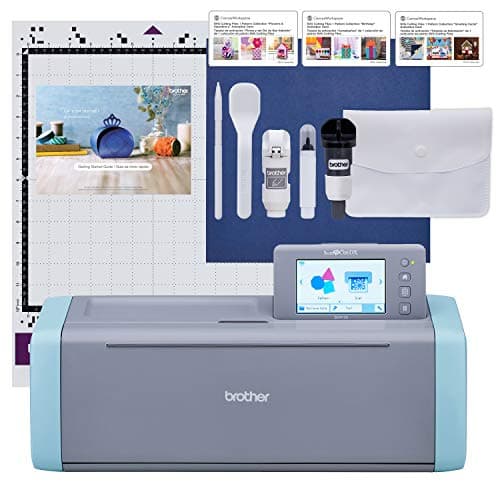 See price on AmazonAmazon
Brother ScanNCut SDX125E: built-in scanner, 3 mm cutting
From Best Cricut Maker alternatives from Brother, Silhouette and Siser