Explainer
Which Silhouette Cameo do I have?
Published
Short answer
The fastest way is the label on the back or underside of the machine, which shows the model name and serial number. Silhouette Studio also shows the model in the Send panel once the machine is connected. By sight, a single tool slot points to a Cameo 1 or 2, two tool carriages mean a Cameo 3 or later, and a built-in roll feeder and cross cutter mean a Cameo 4 or 5.
Gear for this job
All 5 picks compared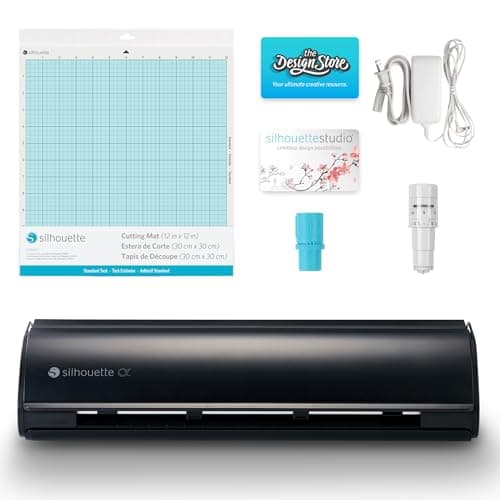
Silhouette Cameo 5 Alpha: 3 mm materials, 400 mm/s
See price on AmazonSee it on Amazon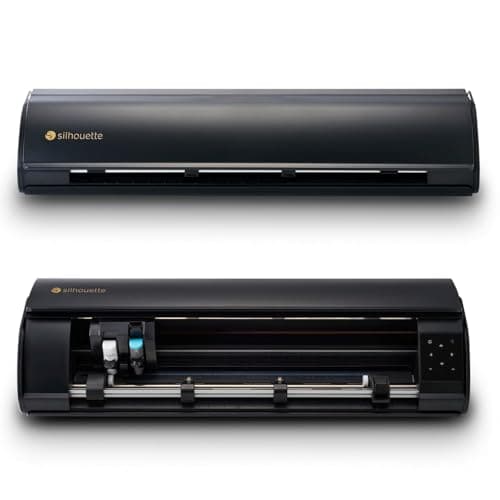
Silhouette Cameo 5 Alpha Plus: 15 in cutting width
See price on AmazonSee it on Amazon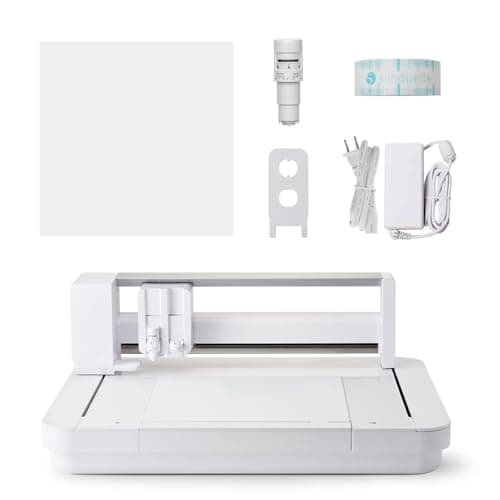
Silhouette Curio 2: 12x12 flatbed, 20 mm clearance
See price on AmazonSee it on Amazon
Knowing your exact Cameo matters when you buy blades, look up cut settings, download firmware or follow a tutorial. The generations look similar in photos, and used machines often arrive without a box. This page is for owners of a second-hand Cameo, a hand-me-down, or anyone who has lost track of which version they bought. We cover the quick ways to check, the physical features that separate each generation, the width options, and which blades and tools each one accepts. For setup steps once you know your model, see how to set up a Silhouette Cameo.
Check the label or Silhouette Studio first
Every Cameo has a rating label with the model name and serial number. Look on the back panel near the power socket or on the underside. The label is the most reliable answer because it also tells you the width version, such as a Plus or Pro model, which can be hard to judge by eye.
If the label is missing or worn, connect the machine to a computer with Silhouette Studio installed. Open the Send panel and the connected machine appears by name. The machine list in Studio's preferences shows it as well. Note the name exactly when you contact support or buy parts.
- 1
Turn the machine around and look for a printed label near the power socket.
- 2
If there is none, tip it gently and check the underside.
- 3
Still unsure? Connect by USB, open Silhouette Studio and read the machine name in the Send panel.
- 4
Write the model and serial number down and keep them with your receipts.
Tell the generations apart by sight
Each Cameo generation changed something visible: the control panel, the number of tool carriages or the way it feeds material. The table below lists the features that are easiest to spot. Colors and trim varied over the years and are not a reliable guide on their own.
| Model | Controls | Tool carriages | Roll feeding | Bluetooth |
|---|---|---|---|---|
| Cameo (first) | Small screen with buttons | One | Roll feed with manual alignment | No |
| Cameo 2 | Touch screen | One | Roll feed with manual alignment | No |
| Cameo 3 | Touch screen | Two | Roll feed, separate roll feeder accessory | Yes |
| Cameo 4 | Touch control panel | Two | Built-in roll feeder and cross cutter | Yes |
| Cameo 5 | Touch control panel | Two | Built-in roll feeder and cross cutter | Yes |
Note.Plus and Pro versions of the Cameo 4 and later are wider than the standard 12 inch model. Measure the opening between the side panels or read the label to know which width you have.
Cameo 1 and Cameo 2
The first Cameo and the Cameo 2 have a single tool holder and use a manual ratchet blade that you set by turning its cap. The first model has a small display with physical buttons, while the Cameo 2 moved to a touch screen. Neither has Bluetooth, so they connect by USB only.
Both still cut vinyl, iron-on, cardstock and paper well with the right blade. Their limits are thicker materials and newer tools. They do not accept the Kraft Blade, rotary blade or punch tools made for later carriages, and current versions of Silhouette Studio may not support the oldest machines on every operating system. Check Silhouette America's compatibility notes before upgrading your computer.
Cameo 3
The Cameo 3 introduced two tool carriages, so it can cut and sketch, or cut with two different blades, in one job. It also added Bluetooth and the AutoBlade, which sets its own depth from the material you choose in Studio. The carriages are marked 1 and 2 and the left one usually holds the blade.
For roll vinyl, the Cameo 3 needs the separate roll feeder accessory or careful manual alignment. It does not have a built-in cross cutter. It accepts a wider range of blades than the earlier models but not the full set of tools designed for the Cameo 4 carriage.
Cameo 4 and Cameo 5
The Cameo 4 brought a built-in roll feeder at the front, a cross cutter for trimming material off the roll, automatic tool detection and a stronger second carriage that accepts the Kraft Blade, rotary blade and punch tools. Silhouette also introduced the wider Plus and Pro versions in this generation. The Cameo 5 keeps the dual carriage and roll feeder and refines the design, controls and supported materials.
If your machine has a roll holder built into the front tray and a cutter that slides across the material, you have a Cameo 4 or 5. Between them, the label or Studio is the best way to be certain. Our Cameo 5 vs Cameo 4 comparison covers the differences in more detail.
Why the model matters for blades and settings
Blades, firmware and cut settings are model specific. The AutoBlade made for the Cameo 4 generation is not the same part as the earlier AutoBlade, and the Kraft Blade fits only the second carriage of a Cameo 4 or later. Buying the wrong one is a common and avoidable mistake, so check the compatible models on the packaging.
Cut settings also change between generations. Studio's material list adjusts for the connected machine, so choose your material there and run a test cut. Our cut settings finder and Silhouette Cameo cut settings page give starting points. If you have outgrown an older Cameo, the best Silhouette Cameo guide lists current models, and best Cricut Maker alternatives covers other brands.
Frequently asked questions
Where is the serial number on a Silhouette Cameo? On the rating label on the back or underside of the machine. It is also on the original box.
Can I tell a Cameo 4 from a Cameo 5 by looking? Both have the built-in roll feeder and cross cutter, so the label or the name shown in Silhouette Studio is the reliable way to tell them apart.
Does an old Cameo still work with Silhouette Studio? Many do, but support for the oldest machines can depend on your operating system. Check Silhouette America's compatibility notes before you update your computer.
Will a Kraft Blade fit my Cameo 3? No. The Kraft Blade is made for the second carriage of the Cameo 4 and later models.
What you need for this
- See price on AmazonAmazon
Silhouette Cameo 5 Alpha: materials up to 3 mm
 See price on AmazonAmazon
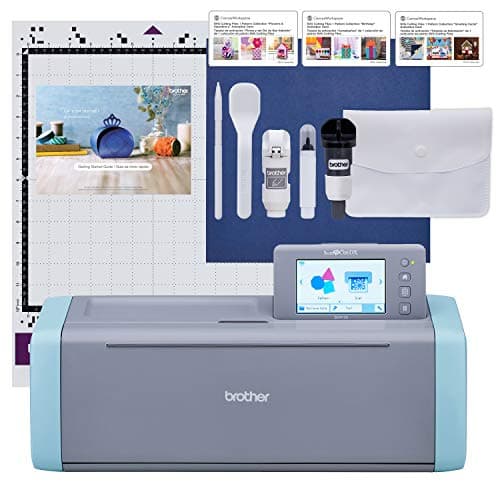
Brother ScanNCut SDX125E: built-in scanner, 3 mm cutting
From Best Cricut Maker alternatives from Brother, Silhouette and Siser
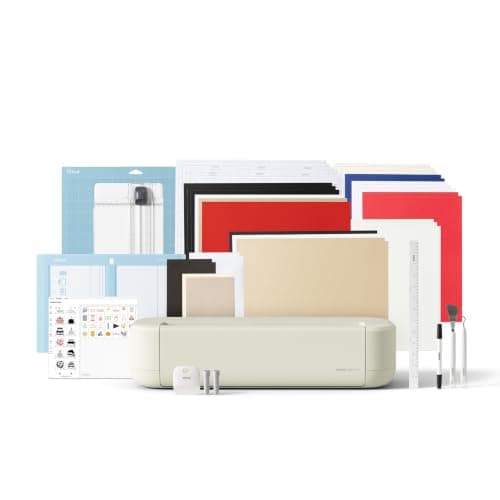 See price on AmazonAmazon
Cricut Explore 5: scores and writes, 12 in width
From Best cutting machines for beginners: Cricut, Silhouette and Brother