Comparison
Cricut vs laser cutter
Published
Short answer
A Cricut cuts with a blade, so it handles vinyl, iron-on, paper, cardstock and, on the Maker, fabric and thin wood with clean, unburned edges and no fumes. A diode laser burns through material, so it engraves and cuts wood, acrylic and leather with darkened edges, but it needs ventilation and eye safety and must never cut vinyl. Many crafters who make shirts and decals need a Cricut; people focused on wood signs and engraving want a laser.
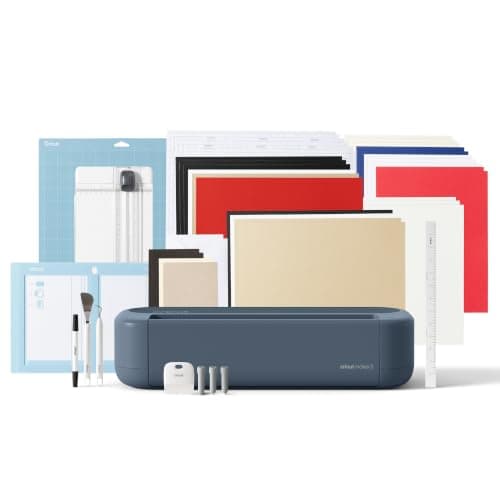
Cricut
Cricut Maker 5 Essential Bundle with Scoring Tool
See price on Amazon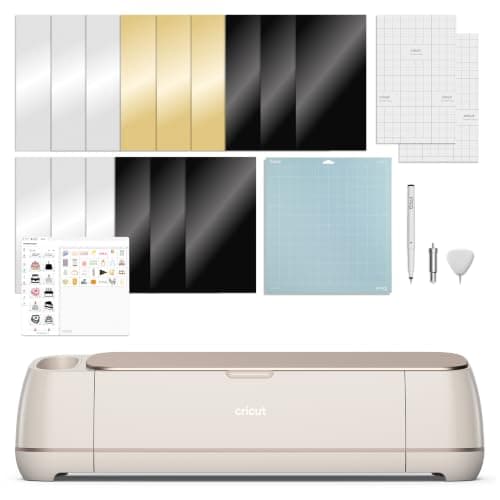
Cricut
Cricut Maker 4: leather and wood, engraves and debosses
See price on Amazon
- Cricut Maker 5 Essential Bundle with Scoring Tool
- Max cut width
- 12 in (30.5 cm)
- Cricut Maker 4: leather and wood, engraves and debosses
- Max cut width
- Not stated
| Pick | Max cut width | Price | Link |
|---|---|---|---|
| Cricut Maker 5 Essential Bundle with Scoring Tool | 12 in (30.5 cm) | - | Amazon |
| Cricut Maker 4: leather and wood, engraves and debosses | Not stated | - | Amazon |
Facts are taken from each Amazon listing. Prices are checked daily and shown with their date.
Verdict
Buy a Cricut, and a Maker 4 or Maker 5 if you want thin wood and leather too, for vinyl, iron-on, paper, stickers and fabric. Buy a diode laser if wood signs, engraving and thicker cuts are your main goal and you have a ventilated space for it.
Cricut-style cutters and desktop lasers such as xTool models are often shown side by side, but they work in completely different ways. This page is for crafters deciding which to buy first, or whether a laser can replace a cutting machine. We compare materials, edge finish, fumes and safety, space and running costs, and point out the jobs only one of them can do. Our product catalog lists Cricut machines but does not carry diode lasers, so lasers are described in general terms with no product link or specs.
How each machine cuts
A Cricut drags or rolls a blade through material held on a mat or fed as a Smart Material. On the Maker family, the adaptive tool system also drives the rotary blade for fabric and the knife blade for thick materials. Nothing burns, so edges are clean and there is no smoke.
A diode laser focuses a beam that burns or vaporizes material along the path. Low power engraves a surface; more power or more passes cut through. That makes lasers strong on wood, leather and some acrylics, and useless or dangerous on materials that give off harmful gas when burned.
Material by material
Thickness limits for the Cricut come from the site's cut settings data: basswood up to 2.4 mm, chipboard up to 2 mm and tooling leather up to about 2.4 mm, Maker only, with the knife blade and multiple passes. The Maker 5 listing states it cuts thicker materials up to 3 mm, including leather and foam core board, and engraves materials up to 3 mm such as metal and acrylic.
| Material | Cricut | Diode laser |
|---|---|---|
| Adhesive vinyl and PVC-based HTV | Yes, the core use | No, burning PVC releases harmful gas |
| Paper and cardstock | Yes, clean edges | Possible, with scorched edges and fire risk |
| Unbacked fabric and felt | Yes on Maker with rotary blade | Some natural fabrics, edges may singe |
| Basswood and thin plywood | Maker knife blade, thin sheets only | Yes, a main use, darkened edges |
| Leather | Maker knife blade on tooling leather | Yes for real leather, with smell and charring |
| Engraving | Maker engraving tool on some materials | Yes, a main use |
| Print Then Cut stickers | Yes | Not typical |
Note.Never put vinyl, PVC or anything containing chlorine in a laser. Check the laser maker's list of safe and unsafe materials before cutting anything new.
Edge finish and detail
Blade-cut edges are the color of the material, which is what you want for layered vinyl, paper cards and fabric. Fine details are limited by blade size and by how well small pieces stay on the mat.
Laser-cut wood usually has a darkened, toasted edge, which many people like on signs and ornaments and others sand off. Very fine details are possible because there is no blade pushing the material. Cutting thick wood on a Cricut is slow and limited; read how to cut wood with Cricut for realistic expectations.
Fumes, safety and space
A Cricut is an office-friendly appliance. It needs a desk, a power outlet and room for the mat to travel front and back. It makes some noise but no smoke.
A laser needs more planning. Burning material makes smoke and odor, so it needs ventilation to the outside or an appropriate filter, and it should not run unattended because of fire risk. Open-frame lasers need eye protection rated for the laser's wavelength; enclosed models reduce the risk. Many households put a laser in a garage or workshop rather than a living space. Follow the manufacturer's safety instructions for your specific machine.
- Ventilation or a fume filter suited to the materials you cut
- A fire extinguisher nearby and never leaving a job running unattended
- Eye protection for open-frame machines
- A heat-resistant, level surface away from flammable clutter
The Cricut models in our catalog
If a blade cutter fits your plans, the Maker family is the one that comes closest to laser-style projects. The Maker 4 listing claims 300+ materials, including leather and wood, and says it cuts, draws, foils, scores, engraves, debosses and perforates. The Maker 5 listing adds thicker materials up to 3 mm, engraving up to 3 mm and 13 compatible tools, in a body it describes as 30% more compact than previous models.
If your projects are vinyl, iron-on and stickers, a Maker is more than you need; see Cricut Maker vs Explore. For thick material work specifically, our best cutting machines for thick materials guide compares blade options.
| Model (listing) | Materials | Thick materials and engraving | Listed price |
|---|---|---|---|
| Cricut Maker 4 Digital Content Bundle | 300+ incl. leather and wood | Engraves, debosses, perforates | $329.00 |
| Cricut Maker 5 Essential Bundle | 300+ | Cuts up to 3 mm, engraves up to 3 mm | $399.00 |
Owning both
Many makers end up with both, because the machines overlap less than it seems. A common pairing is a Cricut for vinyl, HTV and paper and a laser for wood signs and engraving. If you are building a shirt or decal business, start with the cutter and a heat press, covered in vinyl shirt business equipment, and add a laser later if wood products become part of the plan.
Frequently asked questions
Can a laser cutter cut vinyl like a Cricut? No. Most adhesive vinyl and many HTVs are PVC-based, and burning PVC releases harmful gas that can damage the laser and your health.
Can a Cricut engrave like a laser? The Maker family can engrave with its engraving tool on some materials, and the Maker 5 listing states engraving up to 3 mm on materials like metal and acrylic. It is a scratch engraving, not a burned one.
Which is better for wood signs? A laser, because it cuts and engraves wood faster and thicker than a blade. A Maker only handles thin basswood and chipboard.
Which is better for a beginner? A Cricut. It has no fume or eye safety concerns and covers the most popular craft materials.
What you need for this
 See price on AmazonAmazon
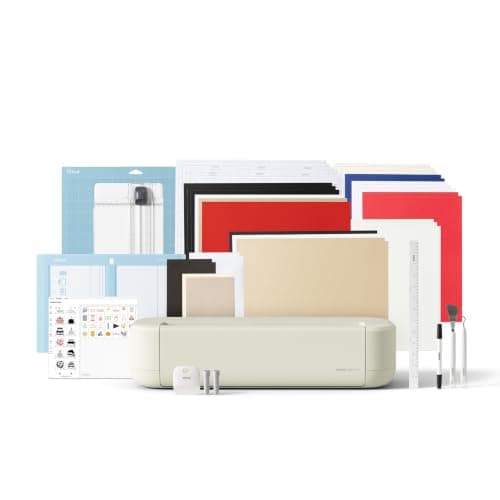
Cricut Explore 5: scores and writes, 12 in width
From Best Cricut machines, from Joy 2 and Joy Xtra to Maker 5
- See price on AmazonAmazon
Cricut Maker 5 Essential Bundle with Scoring Tool
 See price on AmazonAmazon
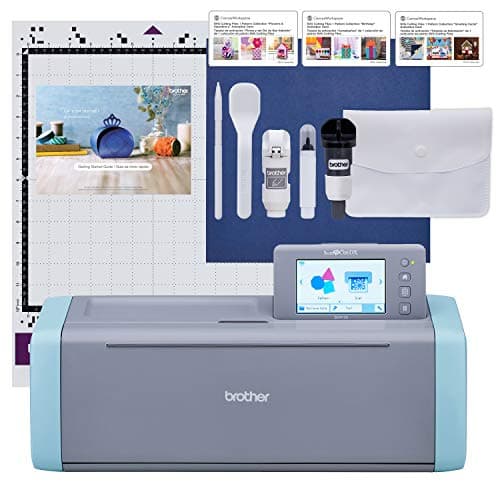
Brother ScanNCut SDX125E: built-in scanner, 3 mm cutting
From Best Cricut Maker alternatives from Brother, Silhouette and Siser